The CalmExpense blog
Calm, practical writing on money, privacy and getting your finances in order.
A Refund Is Not Income, and Your Spending Total Does Not Know That
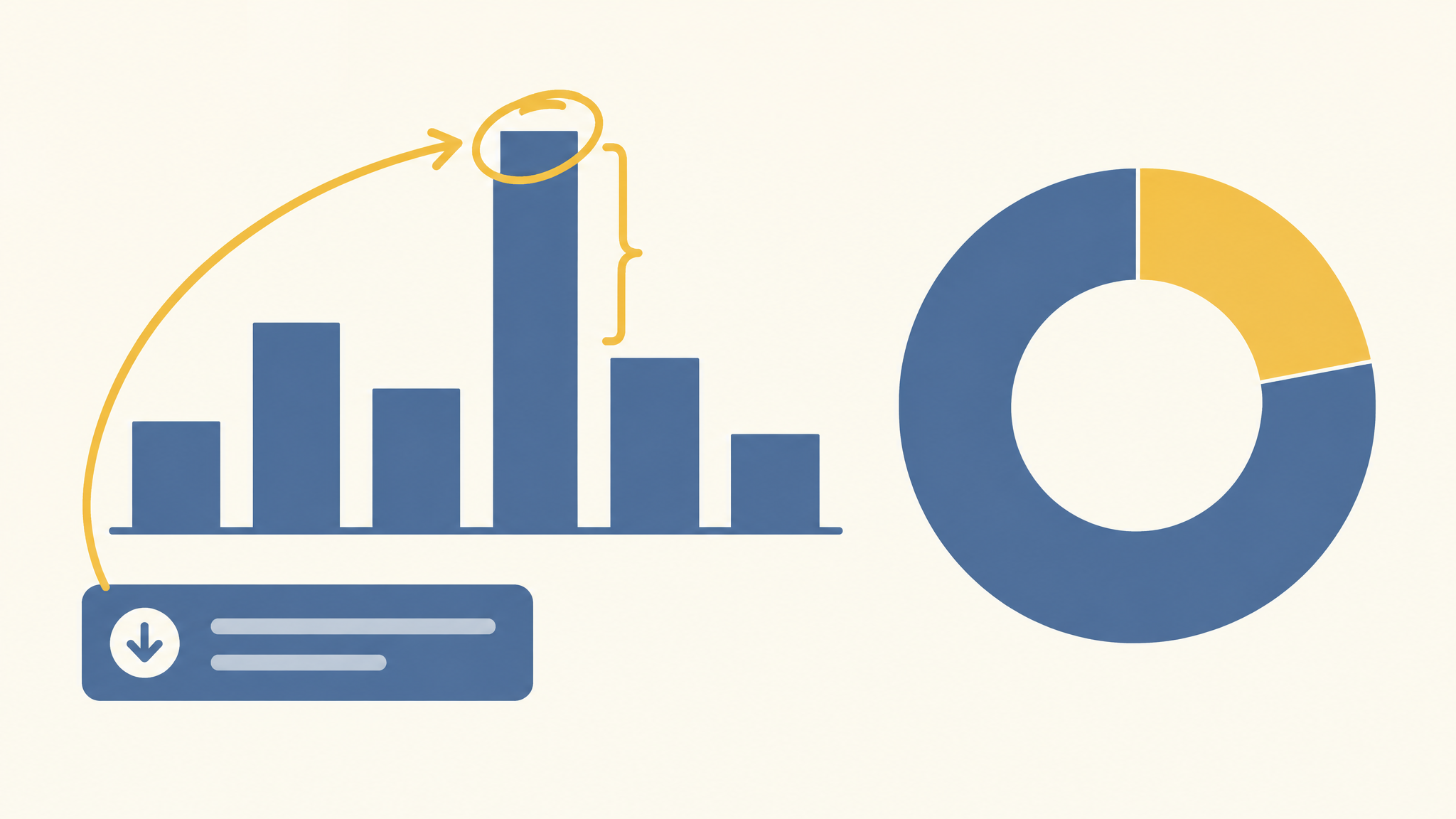
One S$340 refund leaves a spending total S$340 too high and income S$340 too high. A $29.90 one-time dashboard in Google Sheets.
A Free Budgeting App Is Paid For by the Products It Recommends
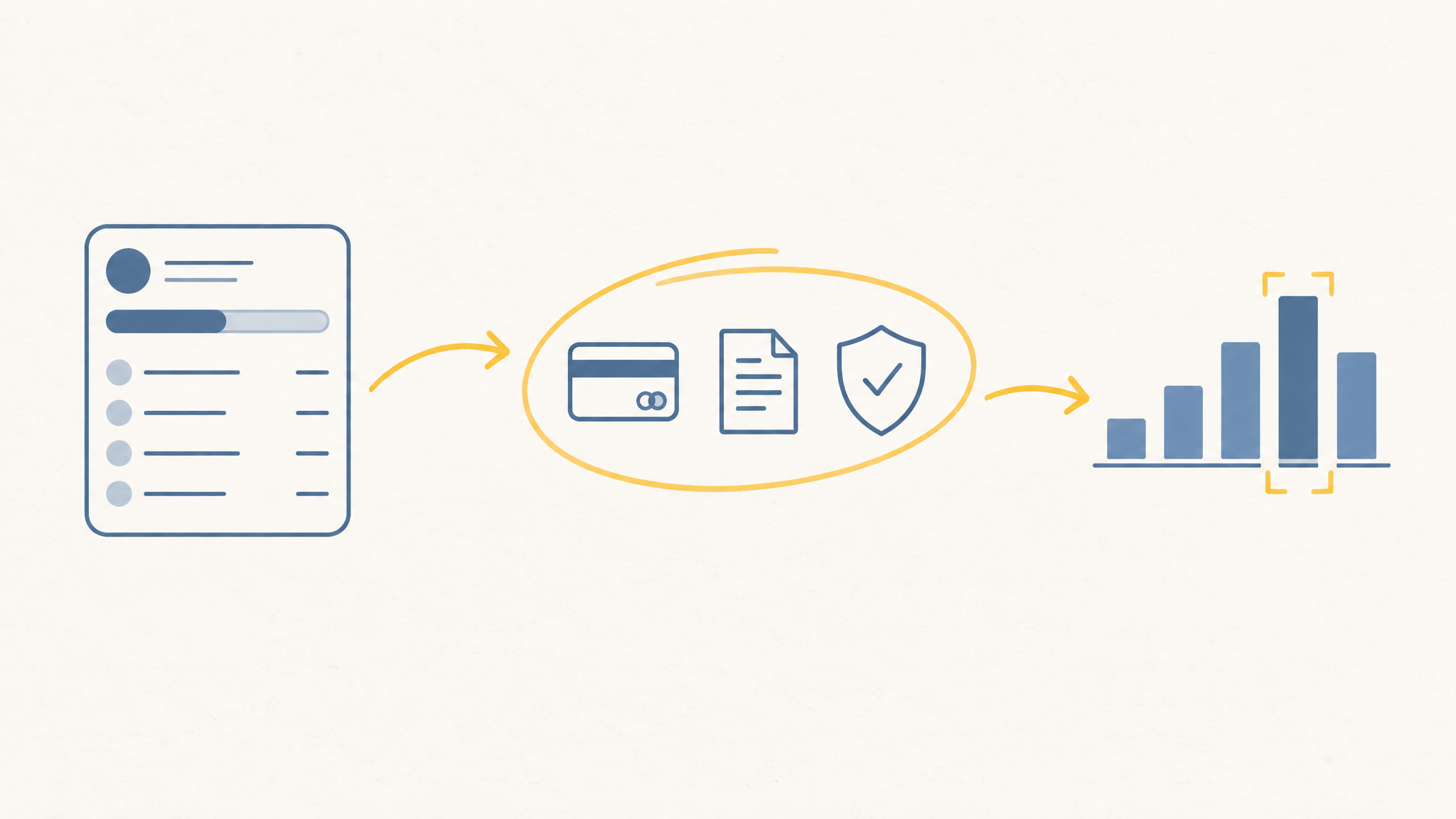
A free app earns from the cards it recommends, so it needs your full history. CalmExpense is $29.90 once, in your own sheet.
Five Years of a Budget App Costs $545. What You Keep Is a CSV.
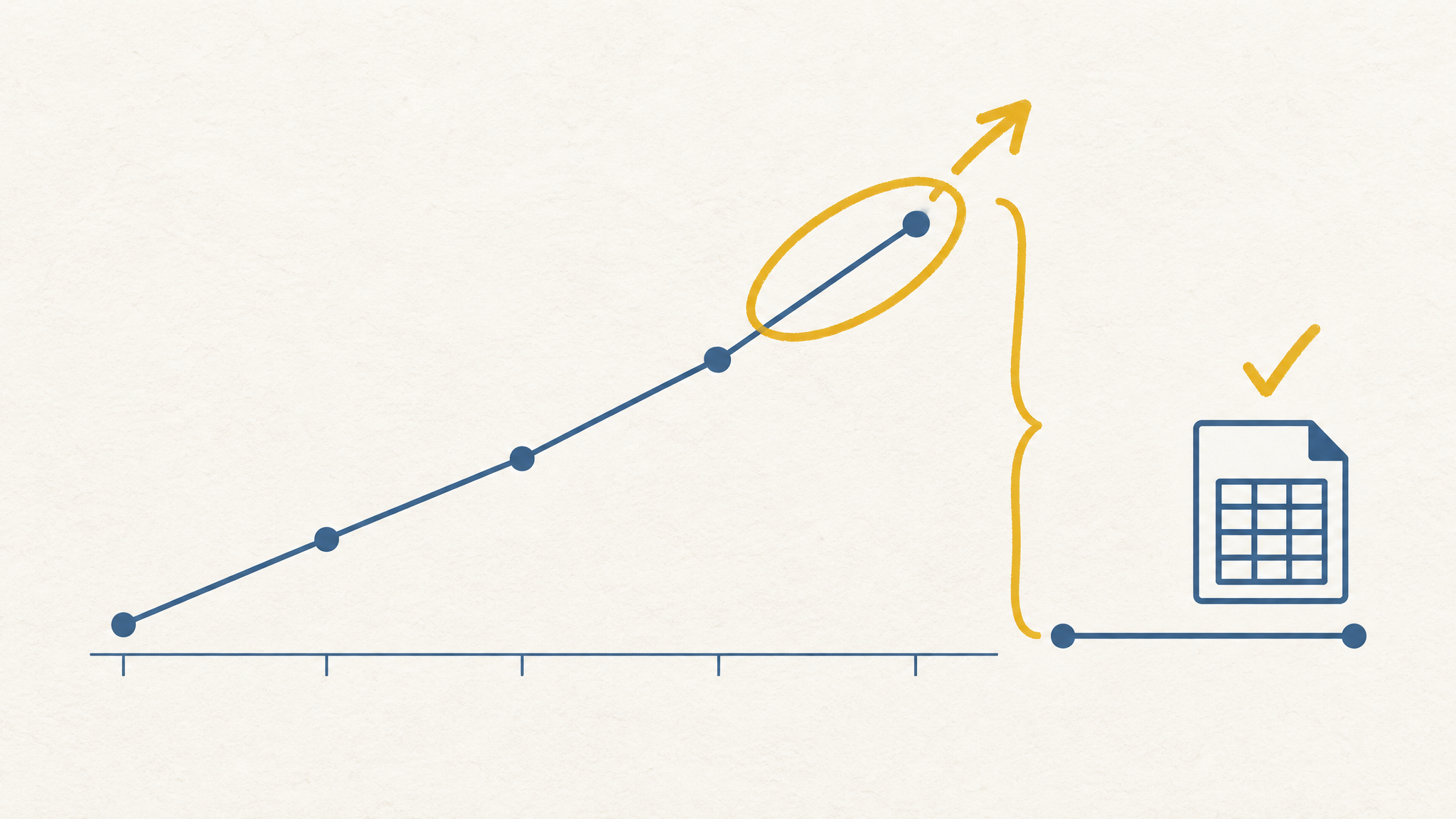
Five years of YNAB at $109 a year is $545, and what you keep is a flat file. CalmExpense is $29.90 once, in your own sheet.
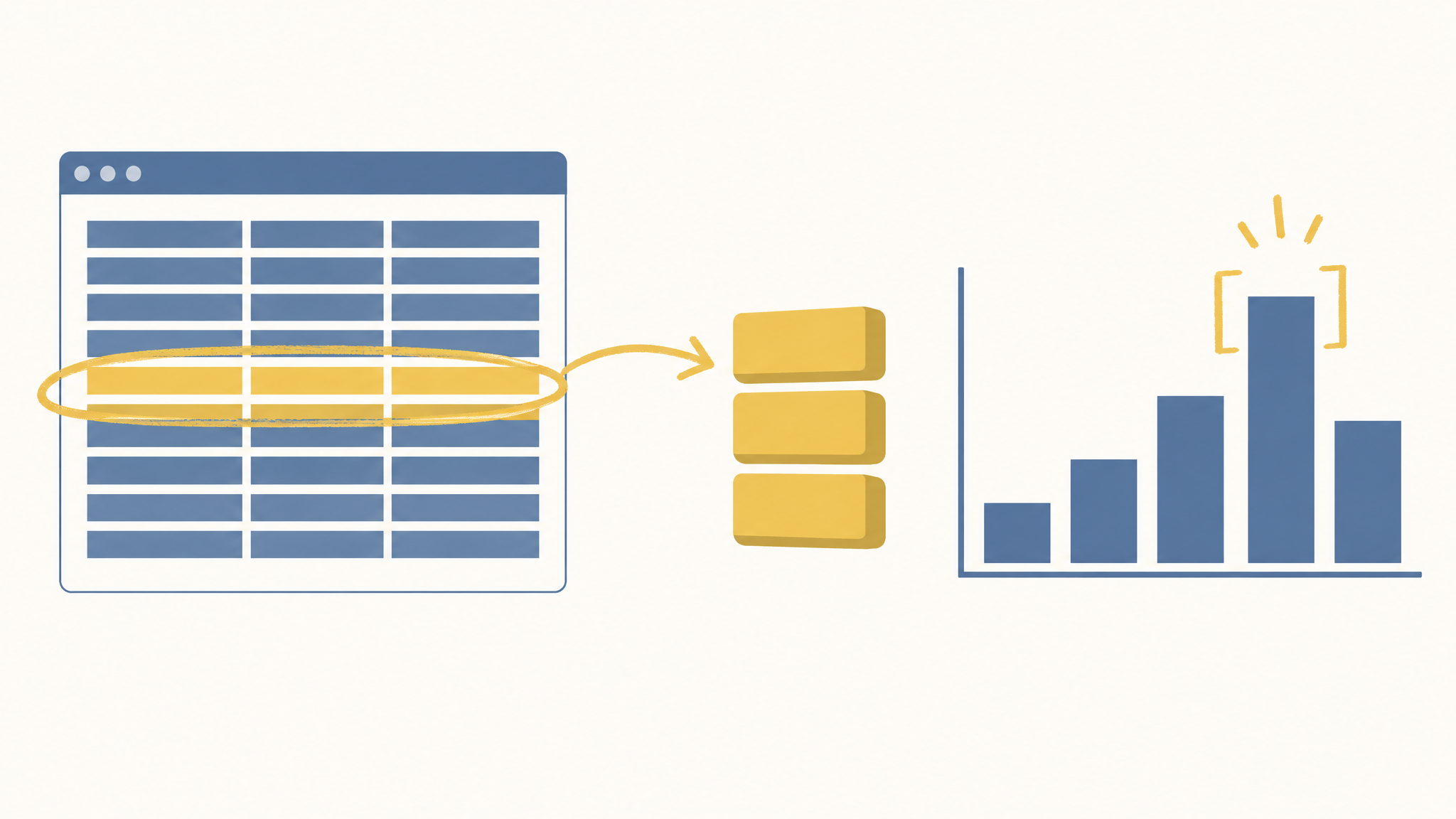
The S$265 a Year That Hides Inside Your Spending Total
Three charges cost a median household about S$265 a year and none of them reads as a fee in the monthly total. CalmExpense tags fee rows on import and keeps the ledger in your own Google Drive for $29.90 once.
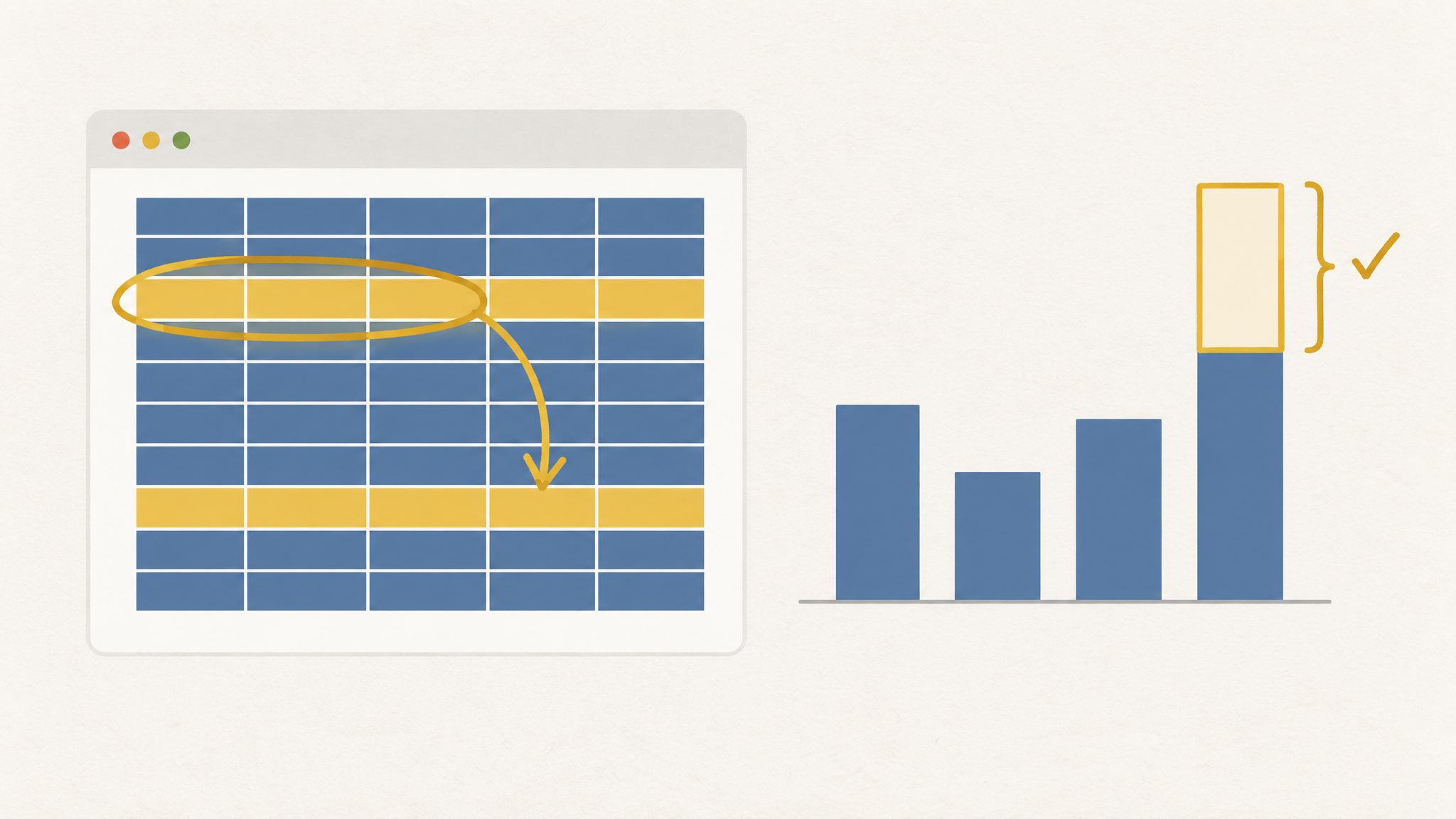
Your Spending Total Counts Every Card Purchase Twice
A bank file and a card file describe the same month from two sides. Import both and the payment line lands as a second expense, which is how a S$1,986 month reads as S$3,226.
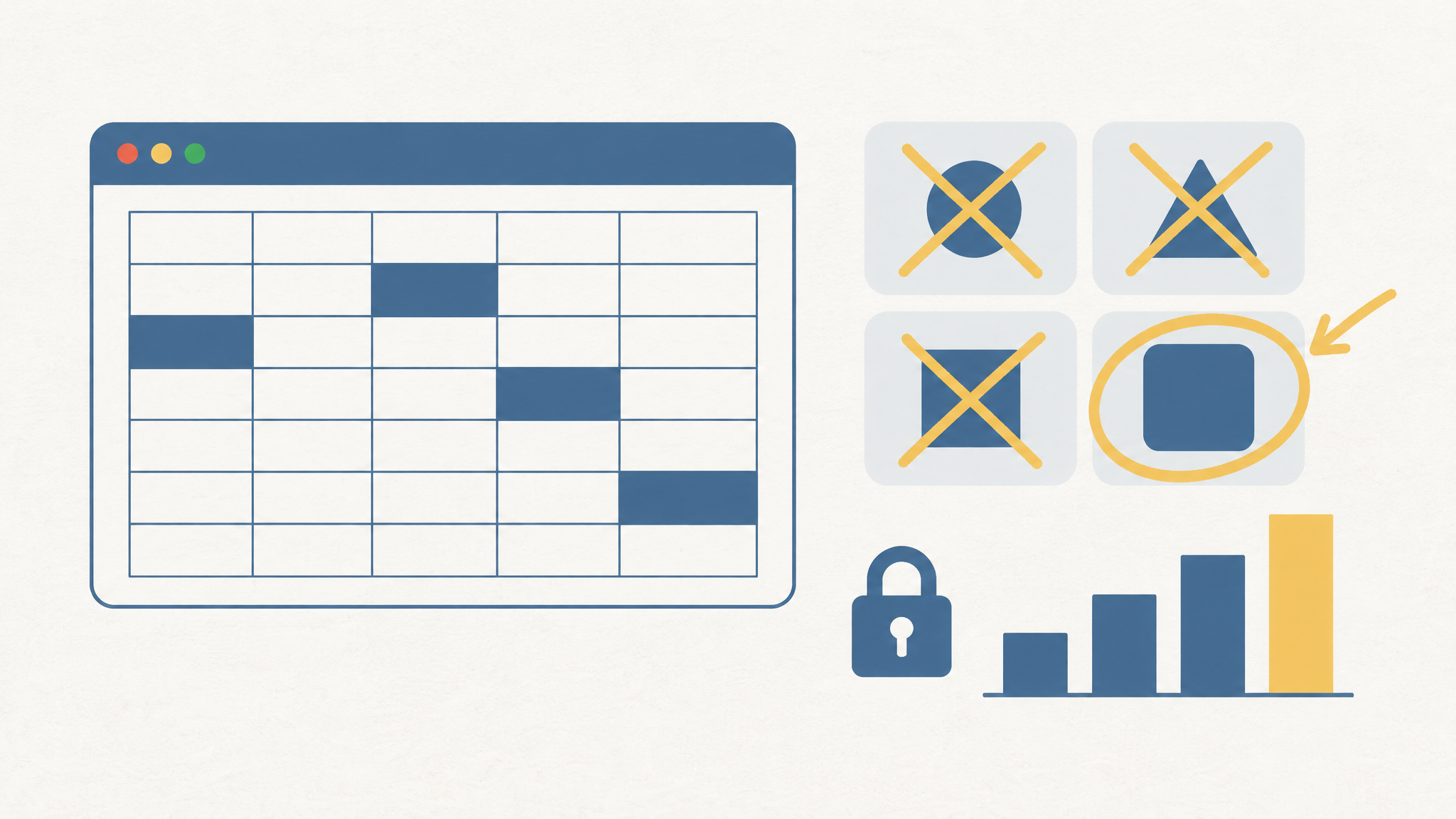
What $29.90 Buys, and the Four Things CalmExpense Will Not Do
A one-time $29.90 dashboard that refuses bank sync, a mobile app, AI reading your transactions and a server copy of your ledger. What those four refusals cost, and who should walk away.
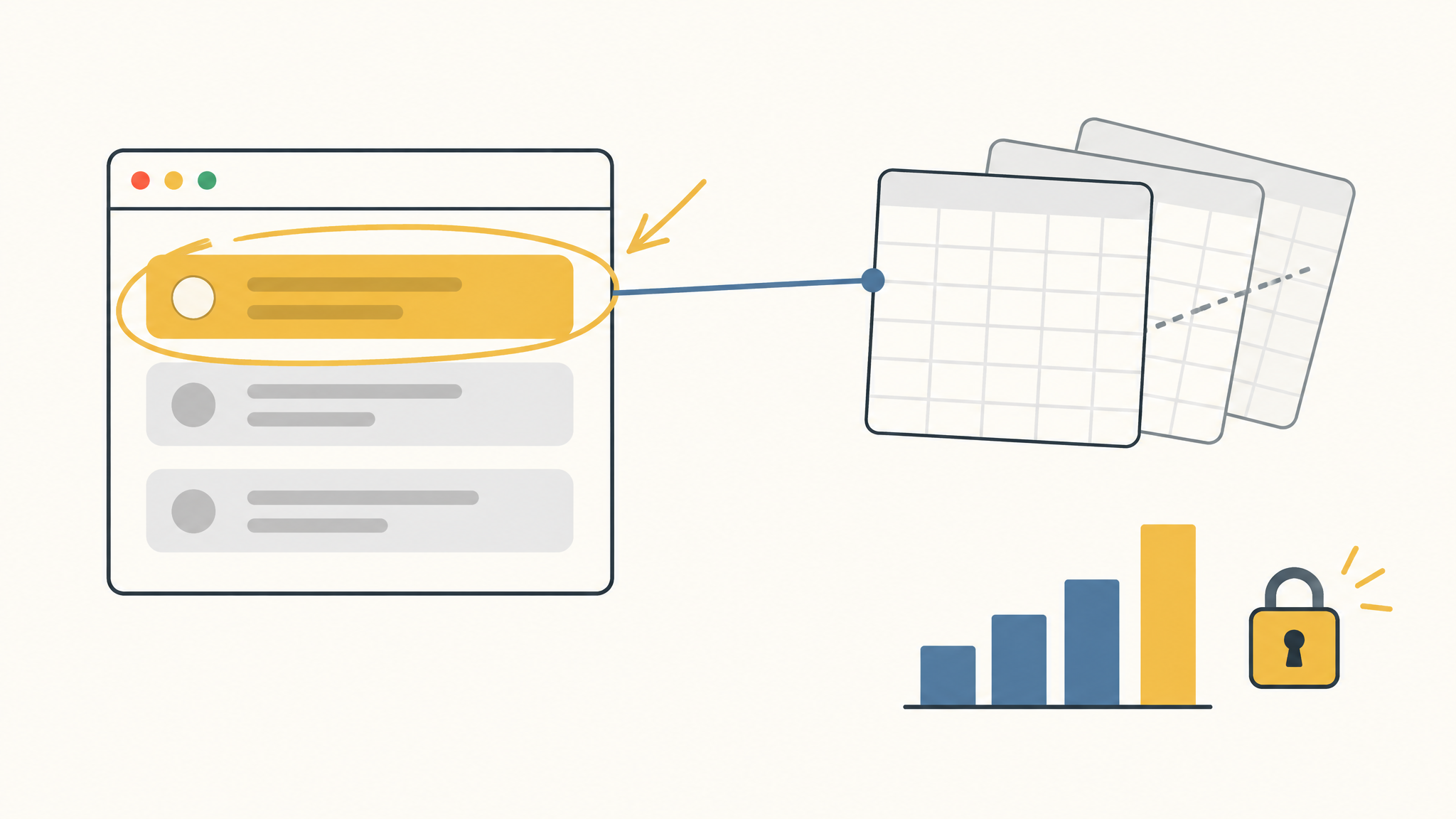
What a Budgeting App Can See in Your Google Account
A budgeting app that connects to Google asks for a permission you can read in plain English. Here is what each line exposes, what revoking does, and how a Sheet-based ledger compares.
Who Sees Your Transactions When an App Finds Your Recurring Charges
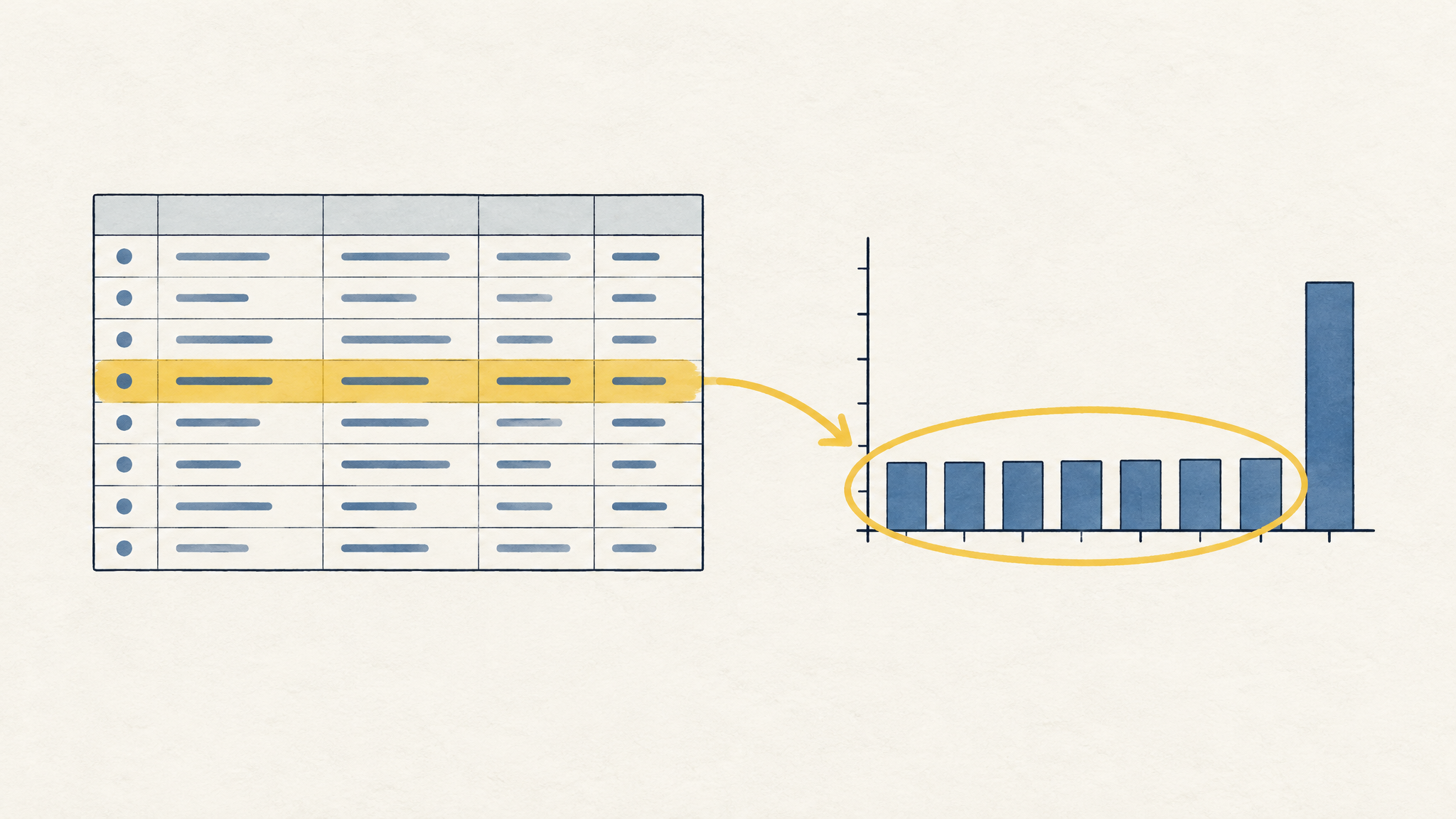
Any app that spots your recurring charges has to read your transactions first. Who ends up with that view depends on the app, and CalmExpense keeps it inside your own Google Sheet.
Aspire Budgeting vs CalmExpense: Free Template or One-Time Pay
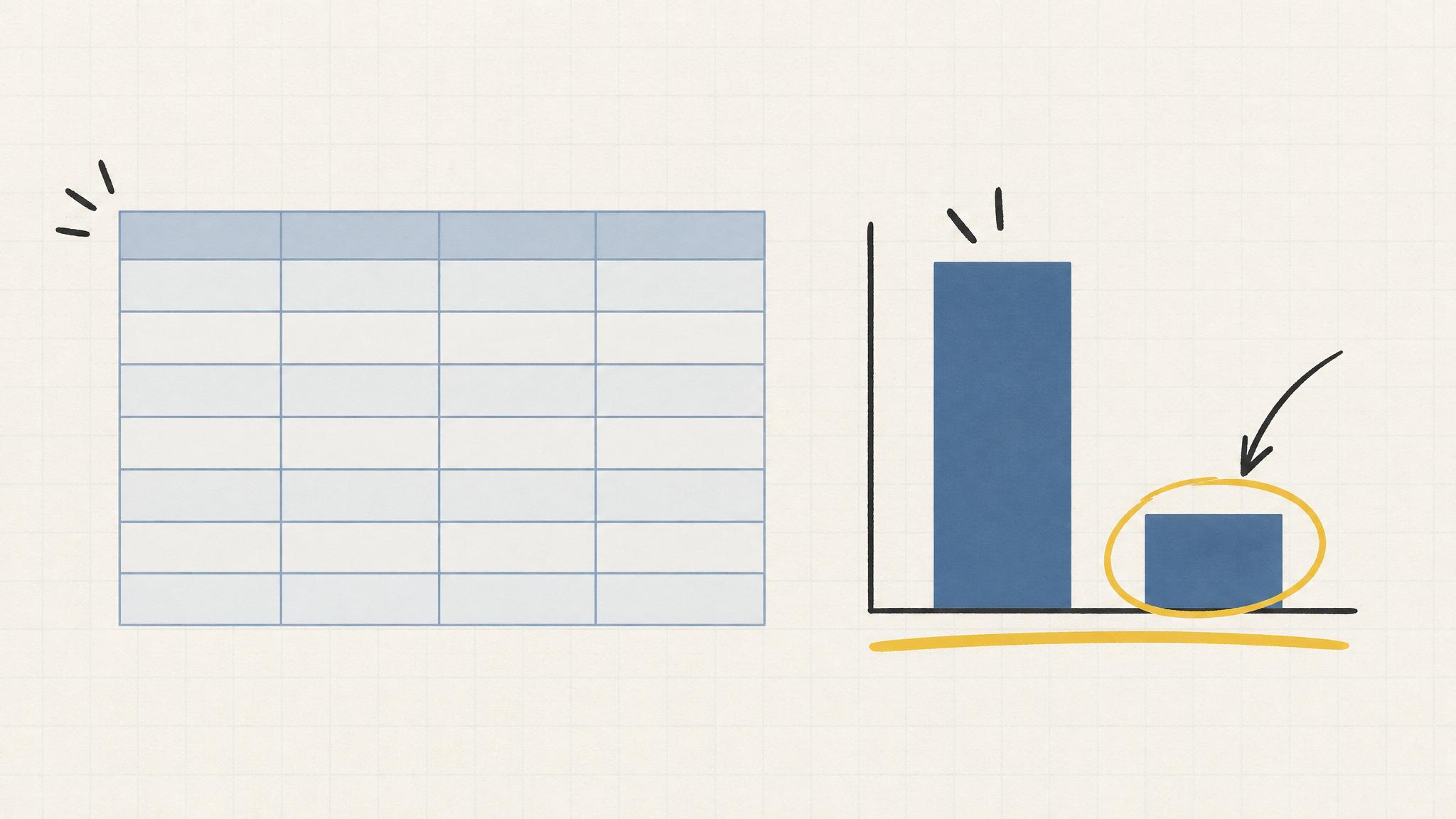
Aspire Budgeting is a free Google Sheets template, but CSV import and auto-categorization sit behind a $5/month add-on. See what each option really costs you.
What You Actually Get With CalmExpense
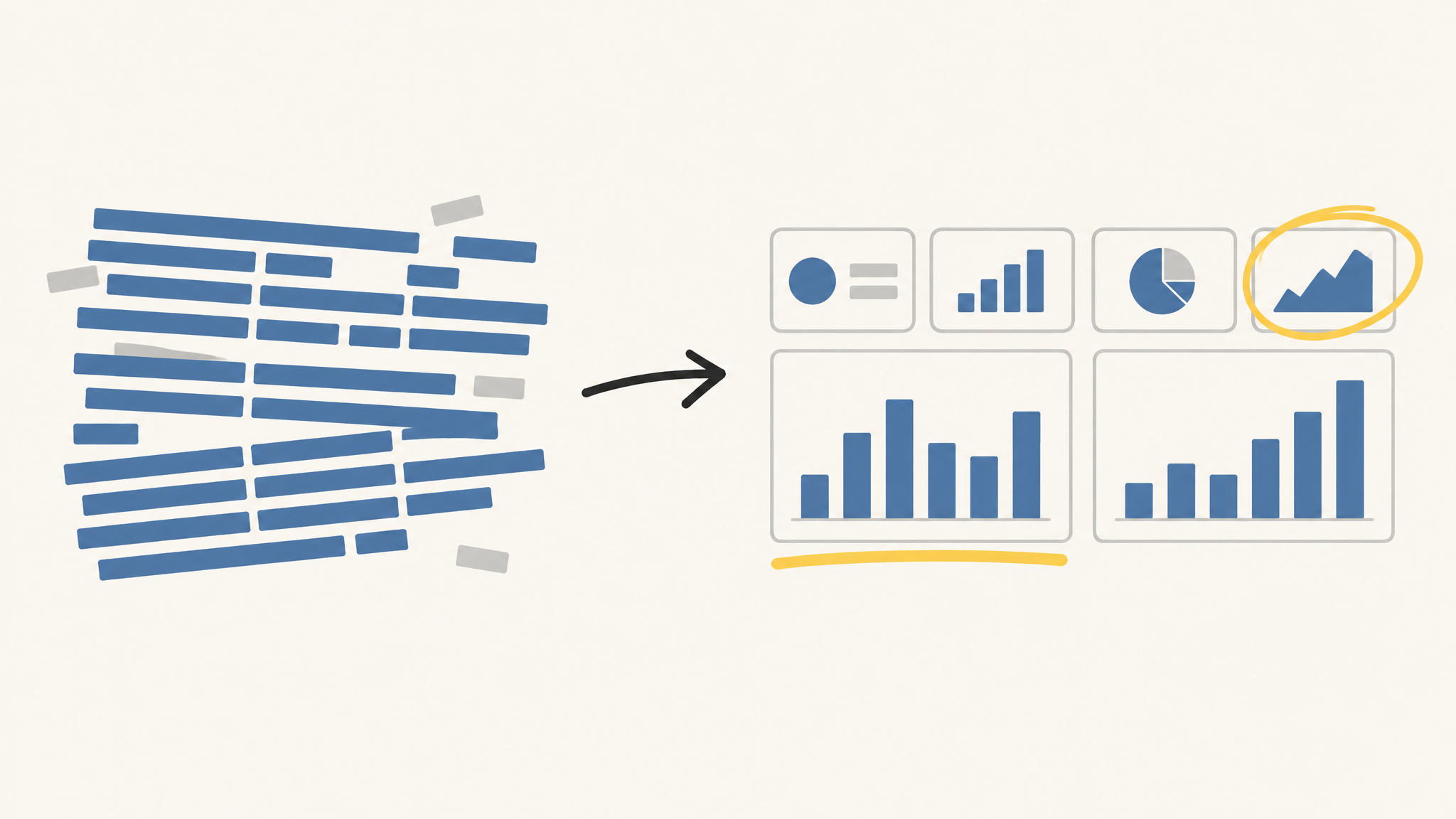
A plain look at what CalmExpense does with a messy bank CSV, the dashboard it builds in your own Google Sheet, and the four things it deliberately won't do.
Why DBS, OCBC and UOB CSV Columns Never Line Up in Sheets
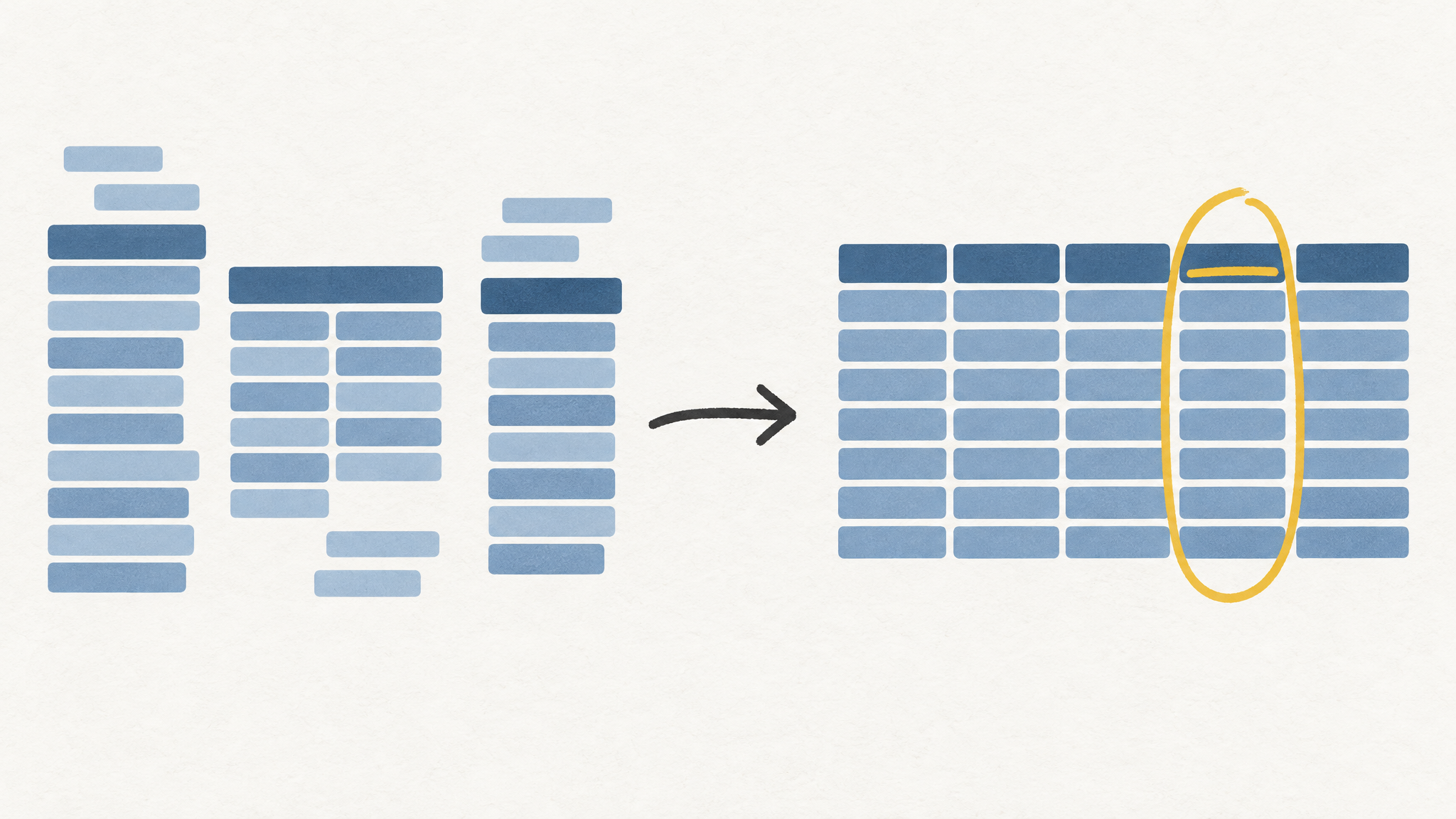
DBS, OCBC and UOB each lay out their CSV exports differently, which is why a raw spreadsheet fights you. See what each column means and what the mismatch costs you.
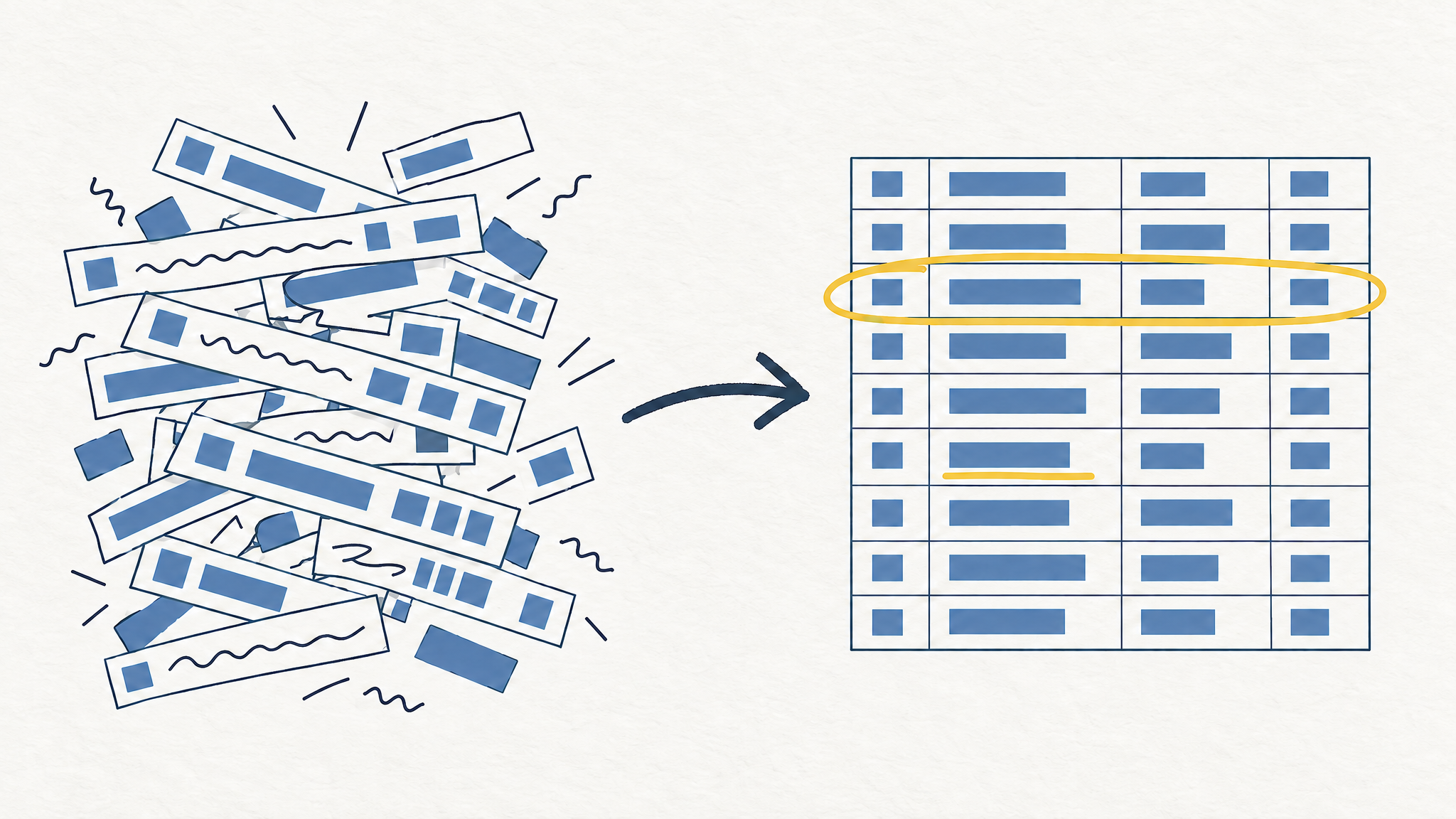
PayNow and NETS descriptors: why bank rows are unreadable
A PayNow row rarely tells you who you paid. This post covers what each Singapore bank descriptor actually means, and how CalmExpense cleans those strings inside your own Google Sheet.
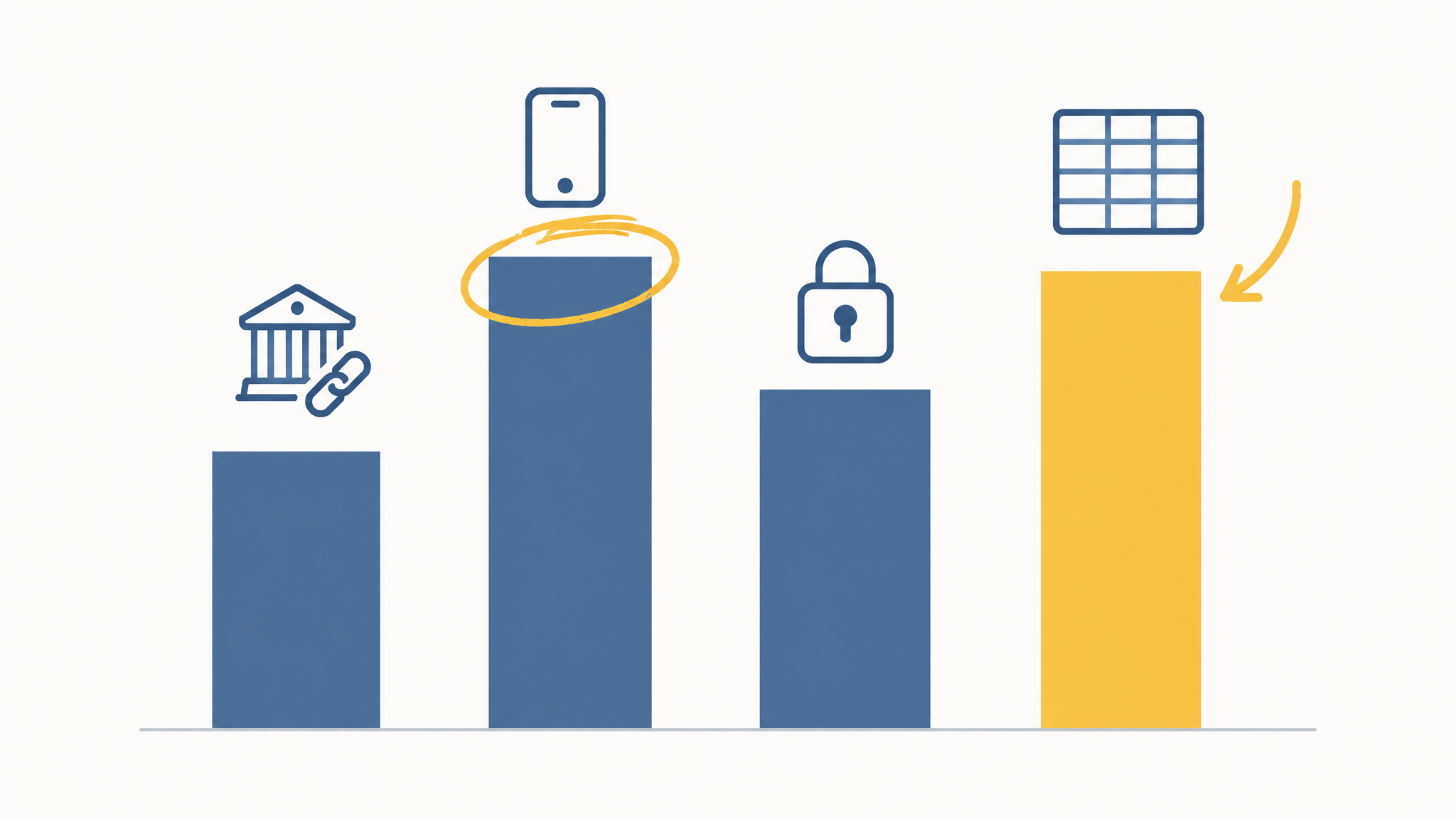
Budgeting apps without bank linking: 4 options compared
Want to track spending without handing your bank login to a third party? You've got four real options. This post compares them on price, privacy, and manual work.
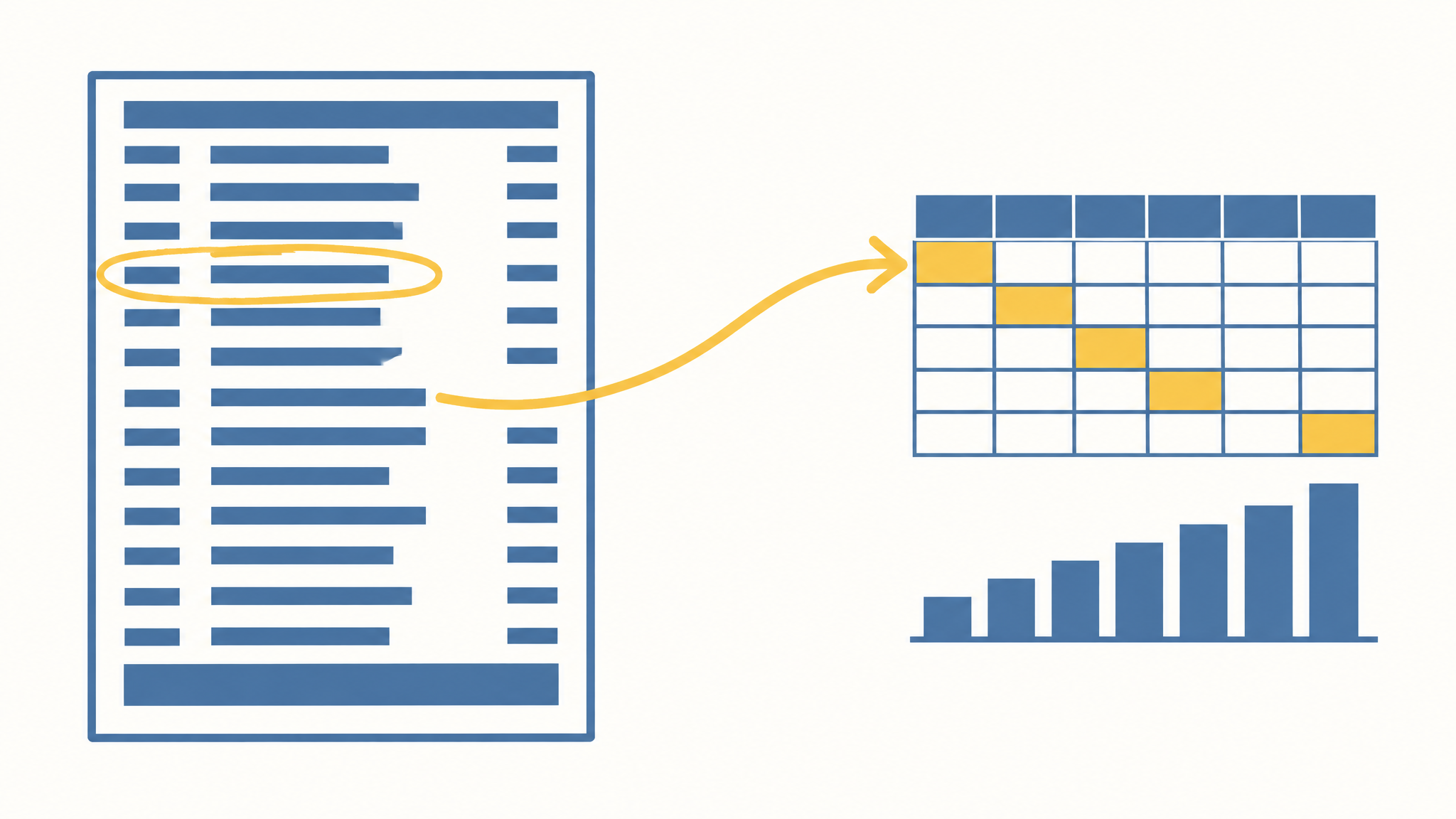
Catching Annual Card Fees and Instalment Plans Without Reading Every Line
Annual fees and 0% instalment plans hide inside a card statement and wreck your monthly total without you noticing. This is what they actually do and how CalmExpense surfaces them.
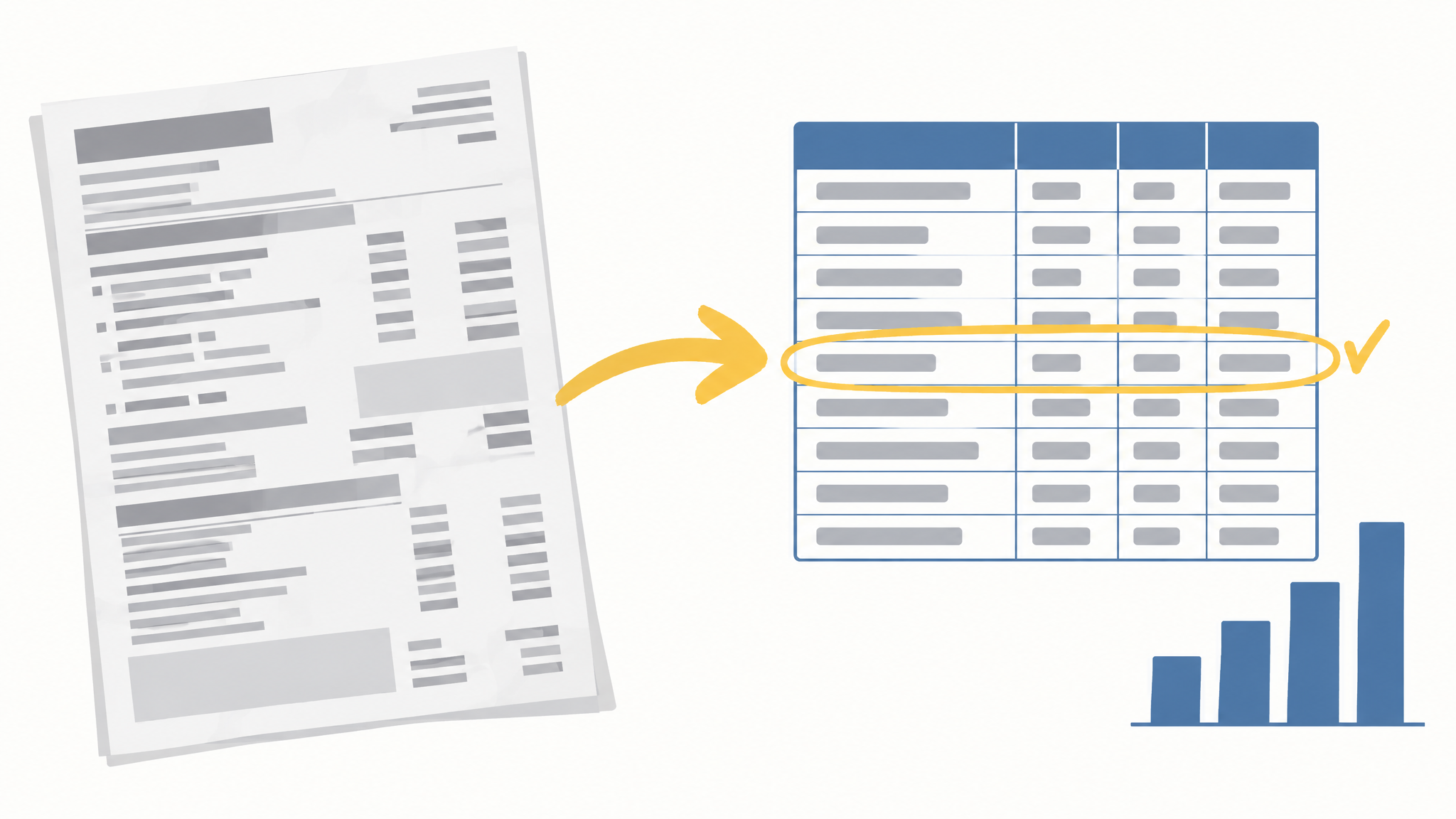
Credit card PDF statements vs CSV exports: the cleaner route
A credit card PDF statement and a bank CSV export are not the same job. One route keeps your card number private and your totals honest, and it's worth knowing which.

5 Budgeting App Myths That Cost You Money Every Month
Budgeting app marketing runs on claims repeated so often they feel like facts. Link your bank, pay monthly, trust the brand, let AI handle it. Check them against the math first.
A Joint Budget Without Sharing Bank Logins
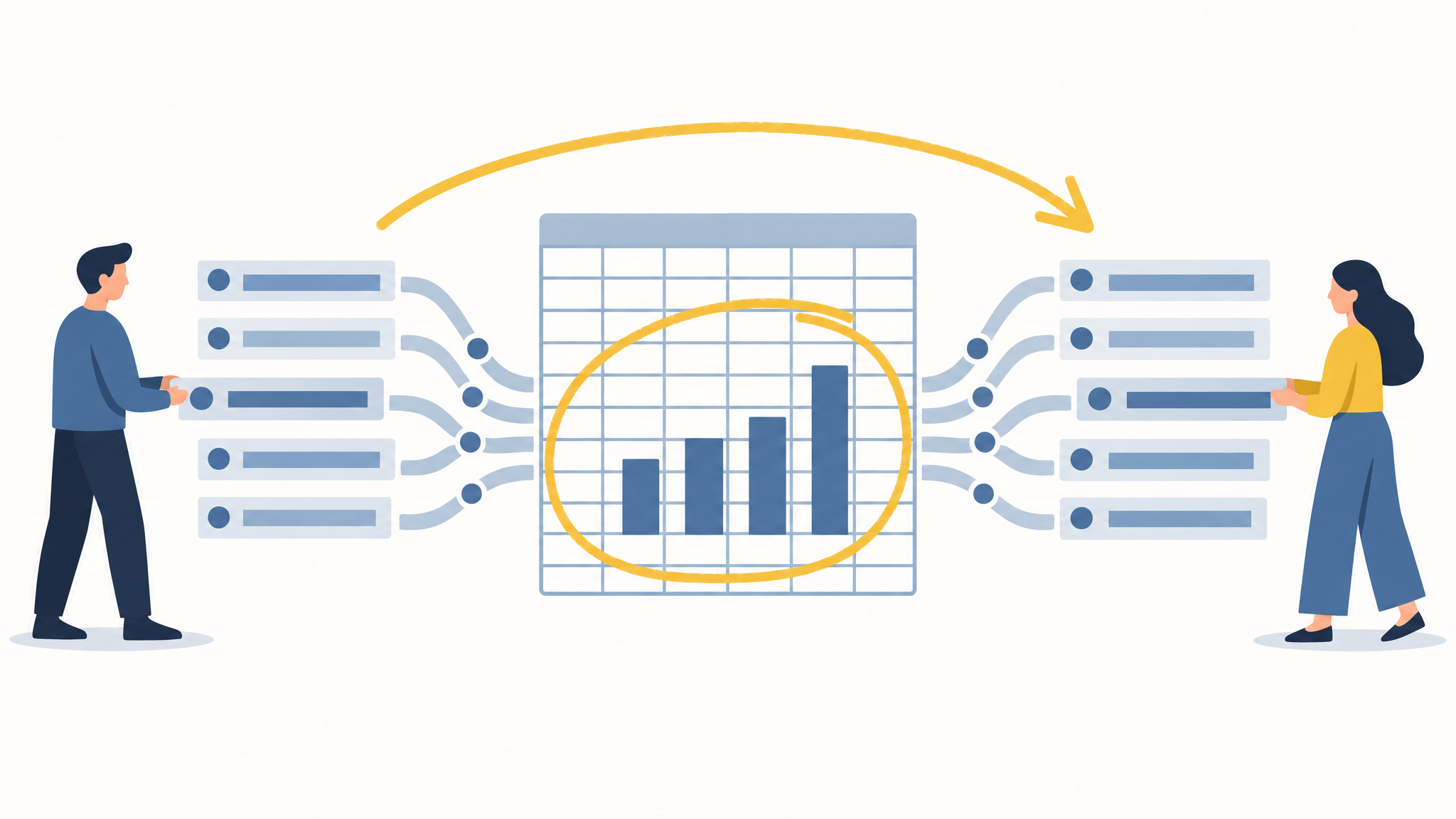
Two people, one budget, zero shared bank logins. Each partner exports their own CSV, and one Google Sheet in Drive shows the whole picture with sharing you decide.
DBS, OCBC and UOB CSV Exports: The Cleanup They Cost You
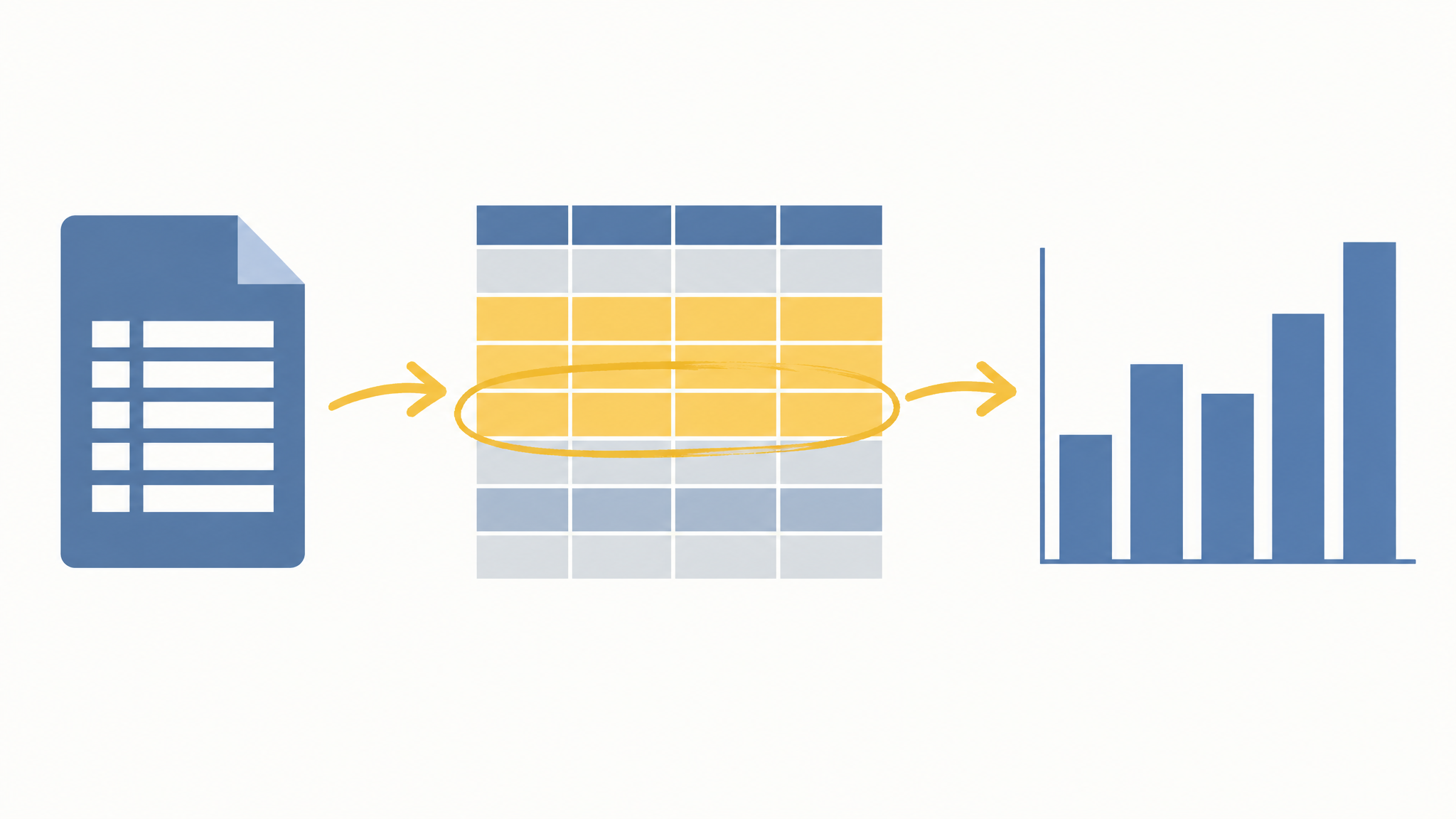
Singapore banks hand you a CSV in minutes, but the raw file isn't a budget. See what each bank's export gives you and where the real hours go.
The monthly time cost of tracking money in Google Sheets
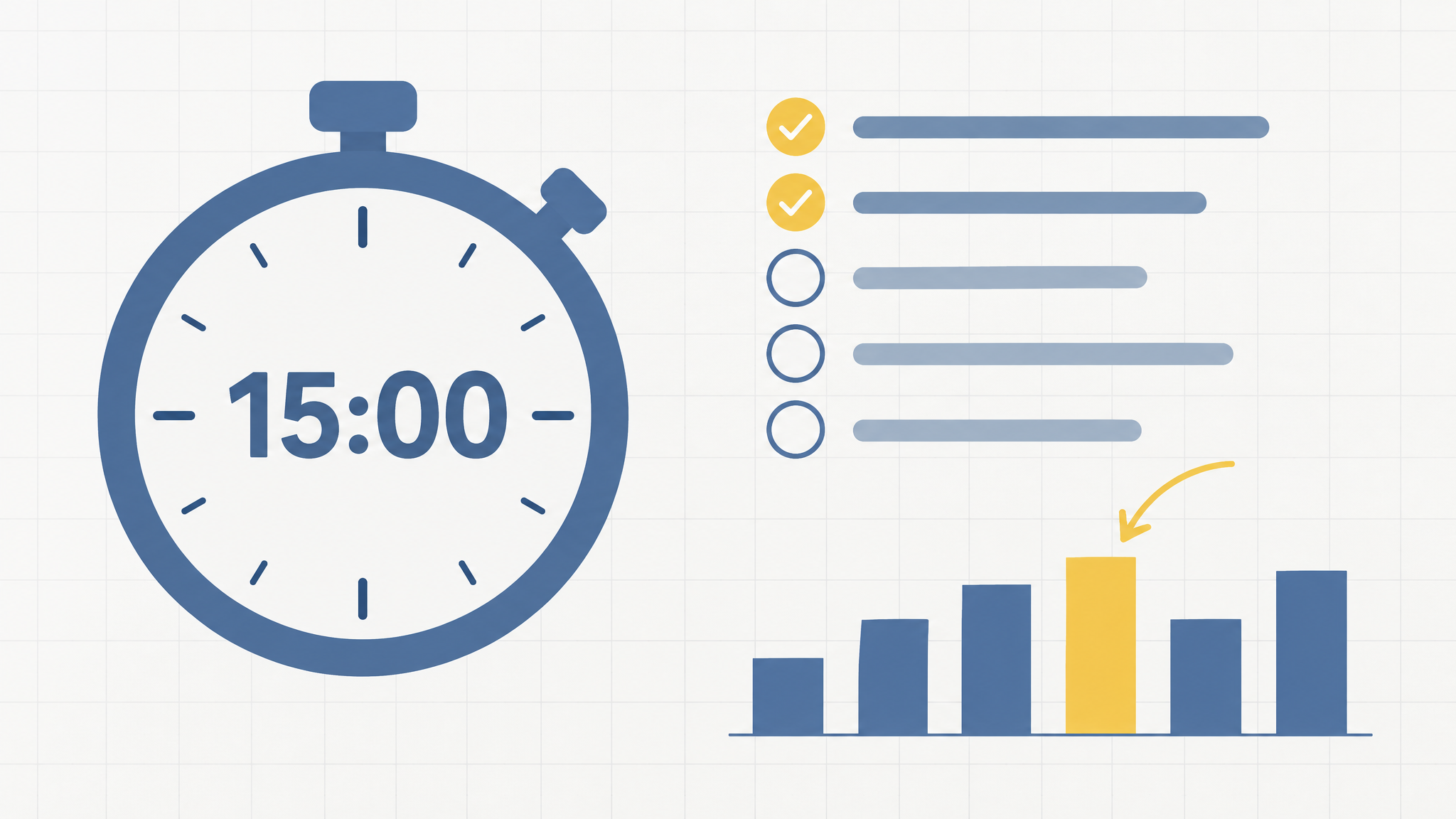
Typing every transaction, nursing a bank sync that keeps dropping, or 15 minutes a month in Google Sheets. See what each approach actually costs you in time.
The Annual Bills a Monthly Expense View Hides
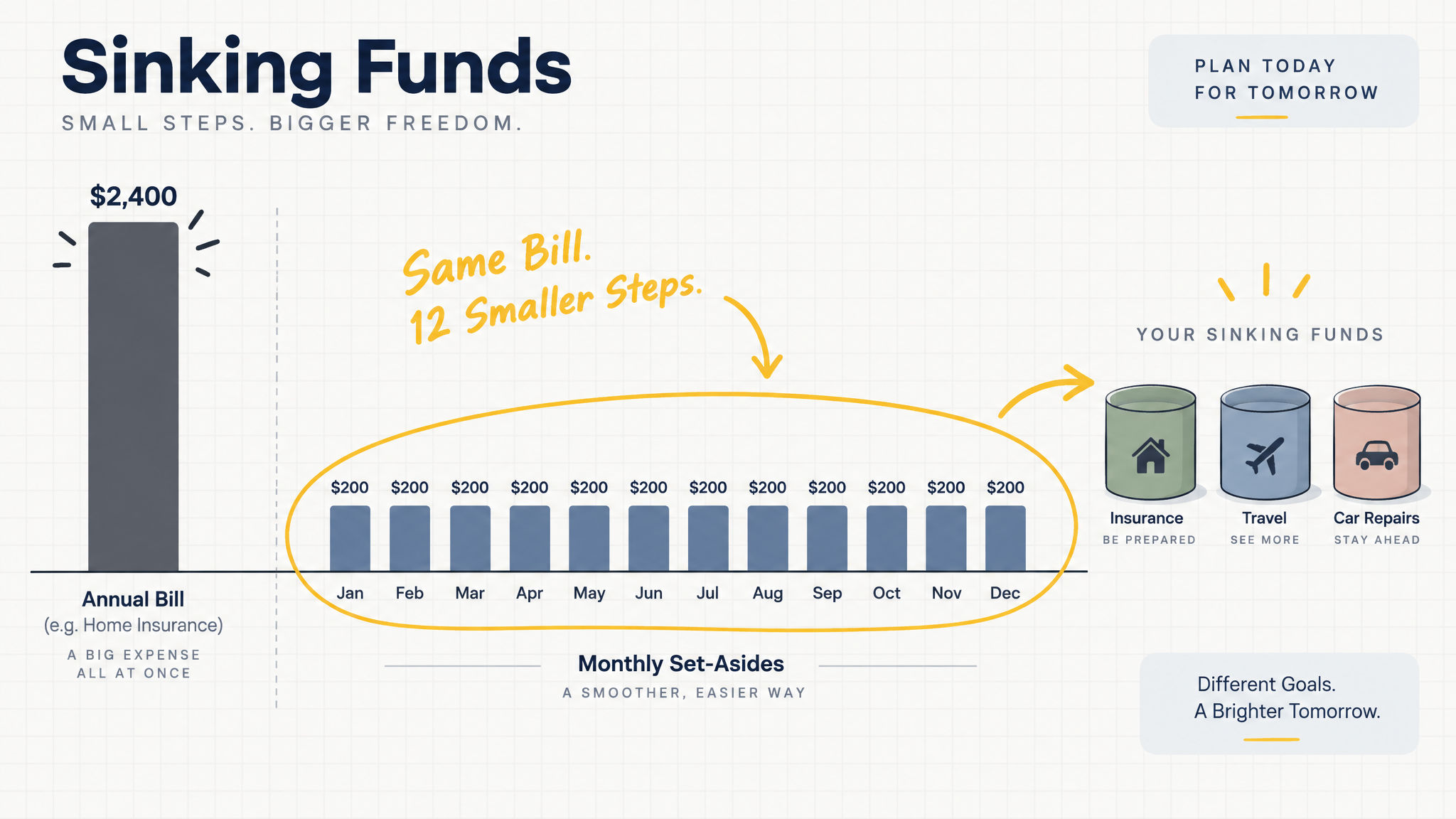
A S$1,200 renewal is about 60% of a median month's spending, so it looks like a shock. See how CalmExpense's category and merchant views across months show when the big bills land.

YNAB vs Google Sheets: what you keep, lose and pay
Moving from YNAB to a Google Sheet changes what you pay, what you own, and how much you type by hand. The trade-offs are laid out plainly below, including where CalmExpense removes the manual-entry wall.
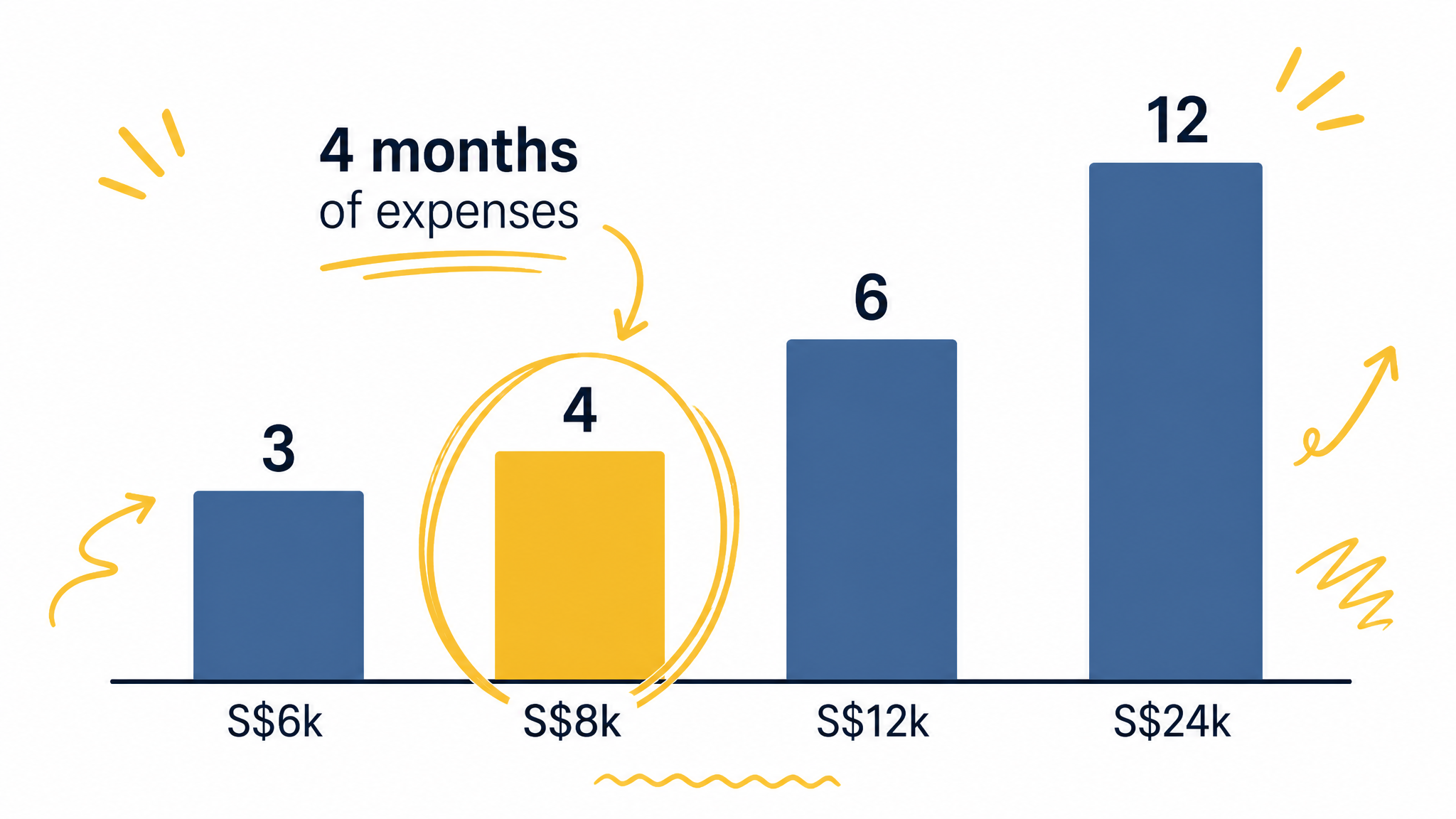
Where Your Real Monthly Expense Number Comes From
An emergency fund target is only as good as the expense figure behind it. Compare five ways to get that number, from a guess to all your accounts in one Google Sheet.
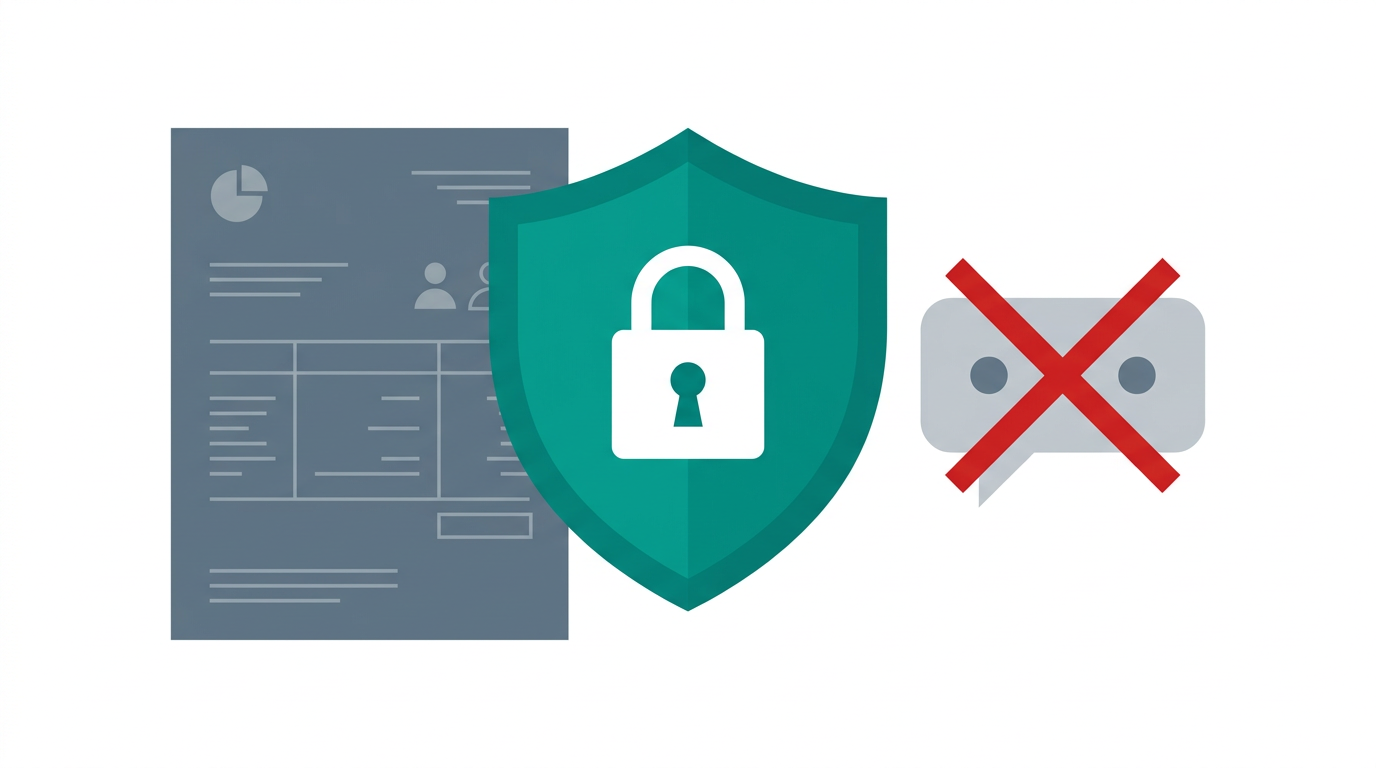
What Happens When You Paste a Bank Statement Into an AI Chatbot
Paste a bank CSV into a chatbot and two things can go wrong: it can invent a $4,800 purchase that never happened, and your full spending history ends up on someone else's servers. Where your data actually goes, and what to use instead.
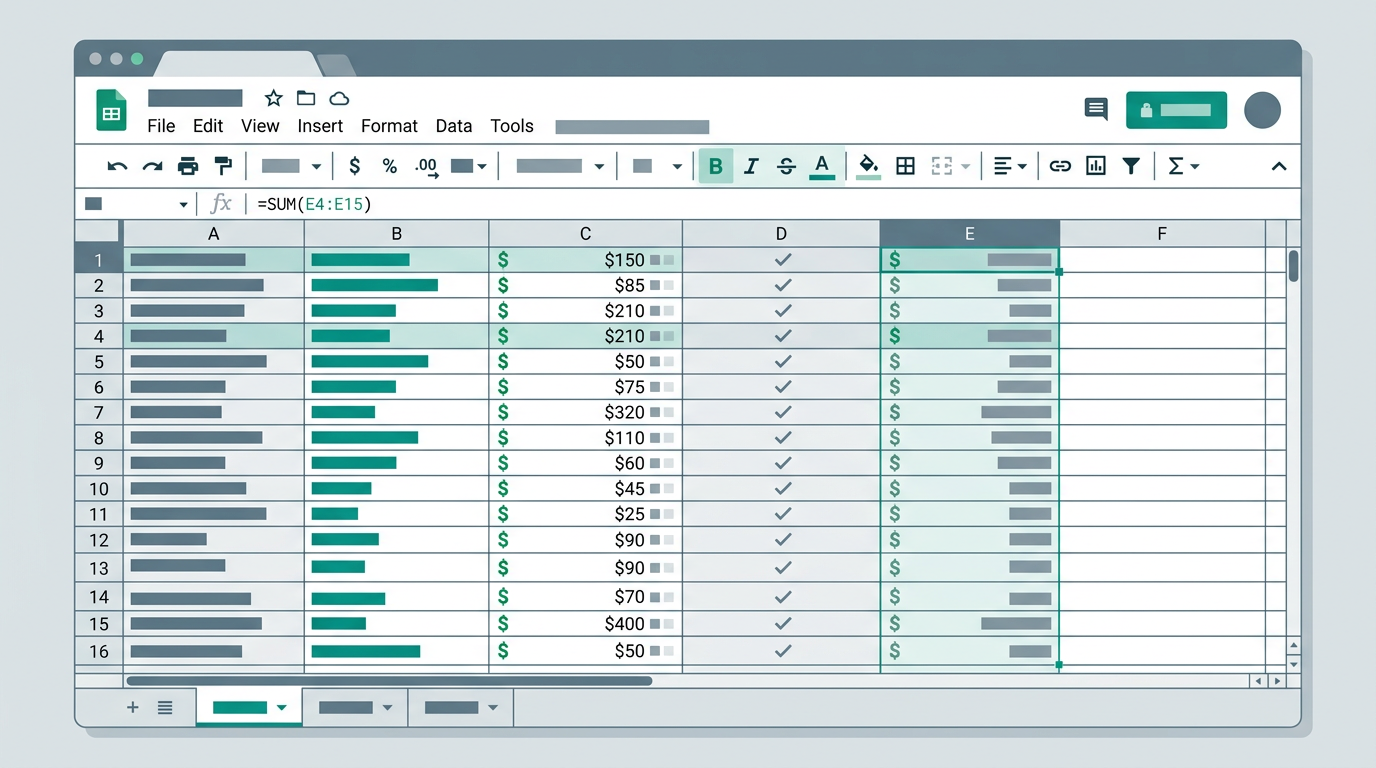
Planned vs Actual Spending: Why the Gap Is the Real Number
A $600 food plan, $712.40 actually spent, and a bank balance that still looked fine. The gap between plan and reality is the number that matters, and CalmExpense puts the actuals in your own sheet.
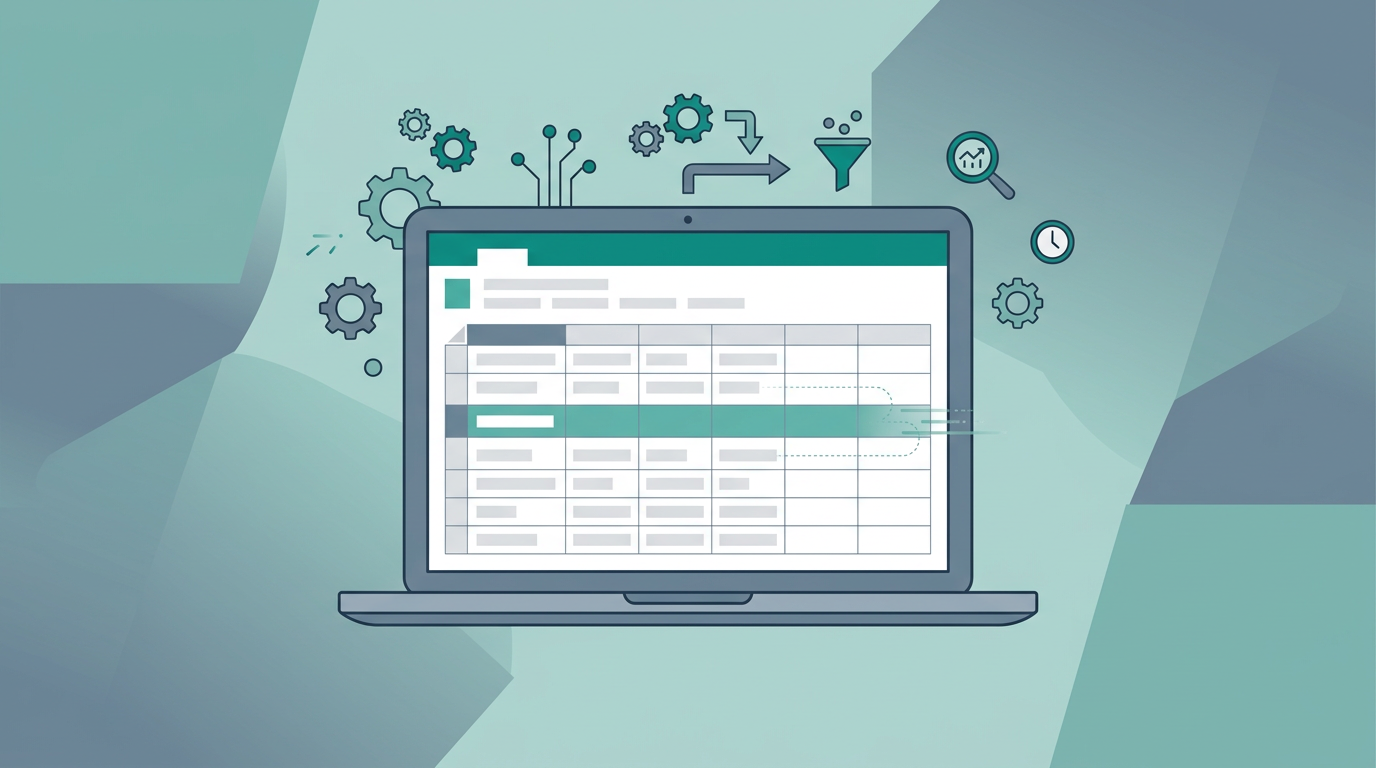
Automate Expense Tracking Without Linking Your Bank
You don't have to choose between automation and privacy. A CSV you export yourself plus scripts that run inside your own Google Sheet cut monthly tracking from about 40 minutes to 15, with no bank login.
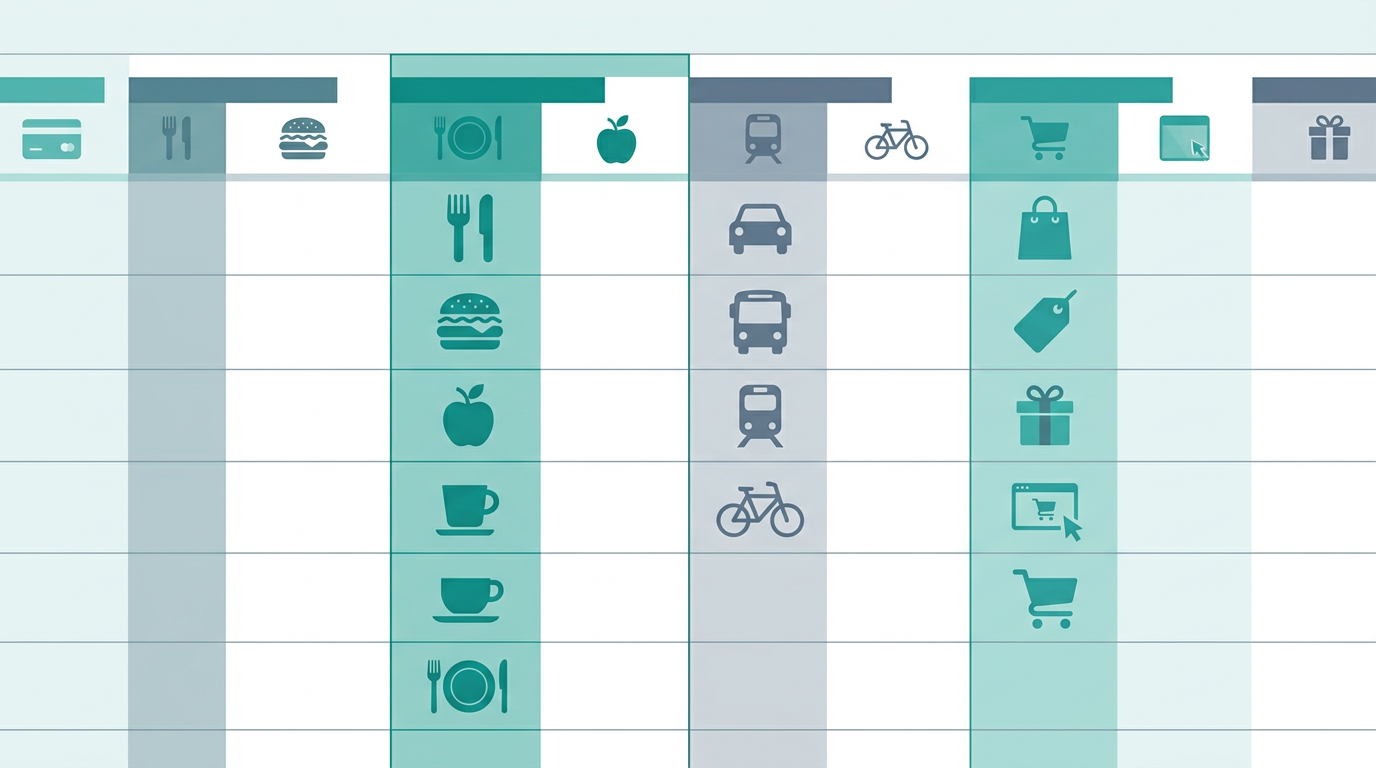
Categorising 1,200 bank transactions without the ten-hour evening
Categorising a year of bank transactions by hand runs to about ten hours. See why a short keyword list covers most of it, and what that means for sheets, AI tools and CalmExpense.
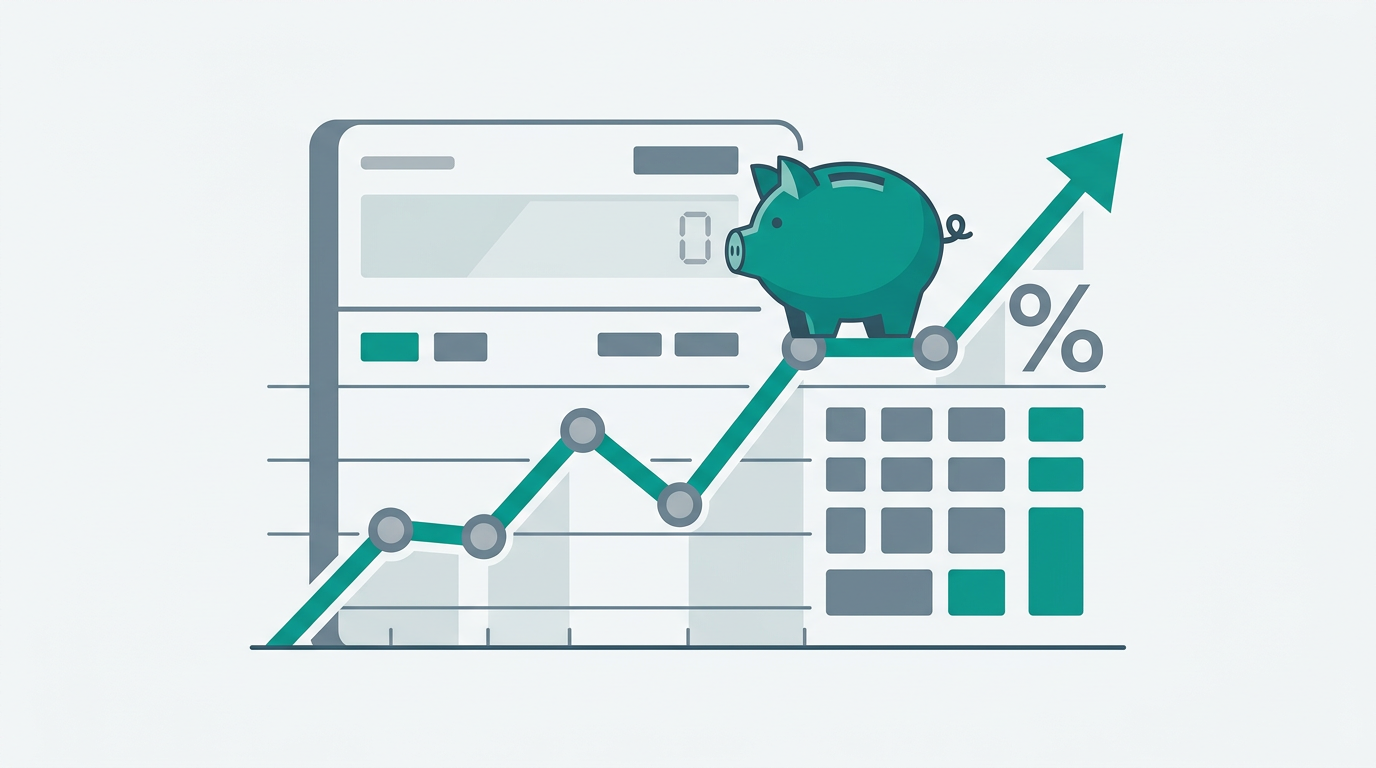
The Four Numbers Behind a 4% Savings Rate You Never See
Most people never see their real savings rate because it needs income and spending from every account in one place. These four numbers show why.
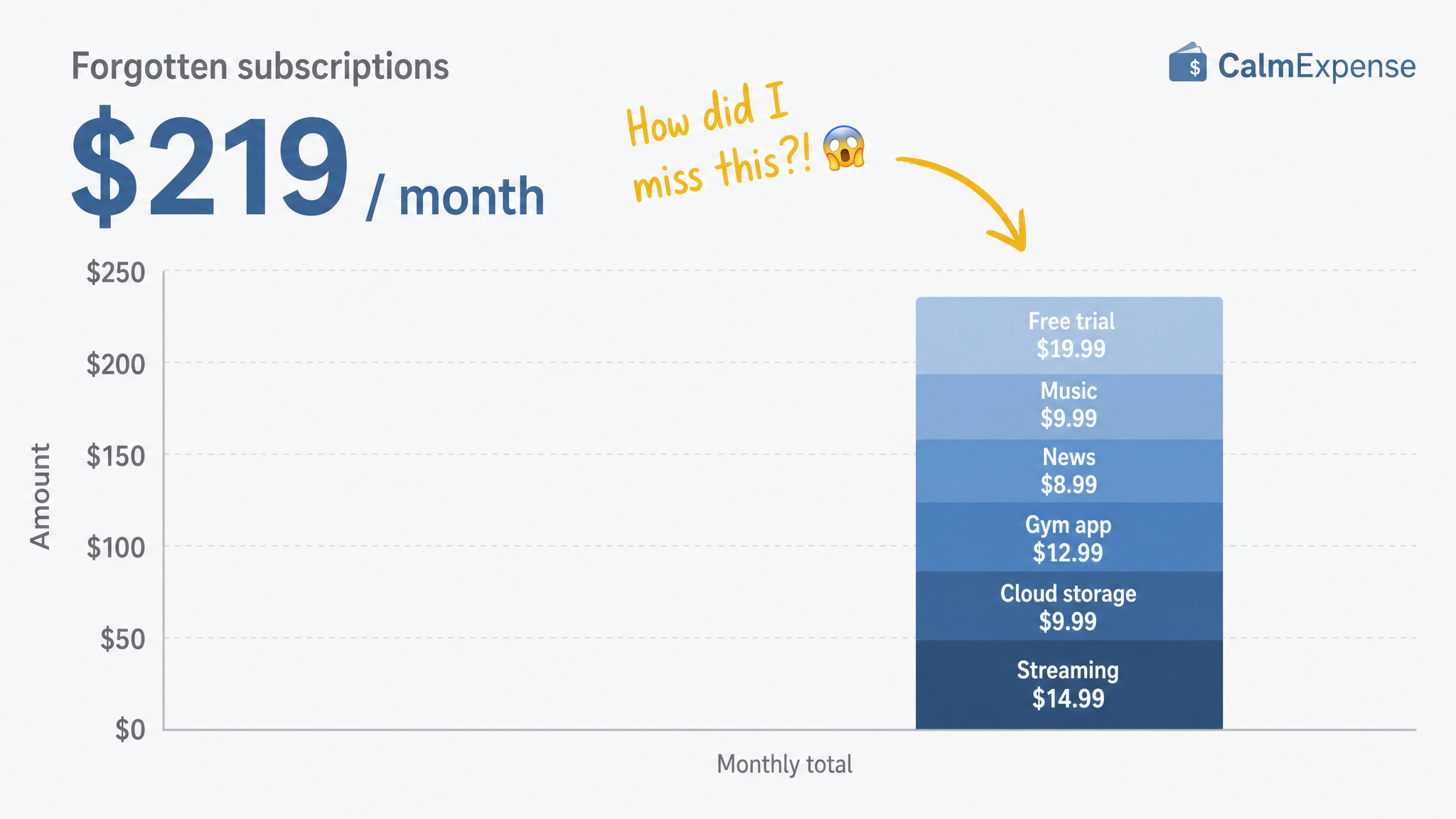
The $219 a Month Hiding in Your Statement's Merchant View
Forgotten subscriptions can total $219 a month because they blend into one lump sum. A merchant view inside your own Google Sheet makes each repeat charge stand out.
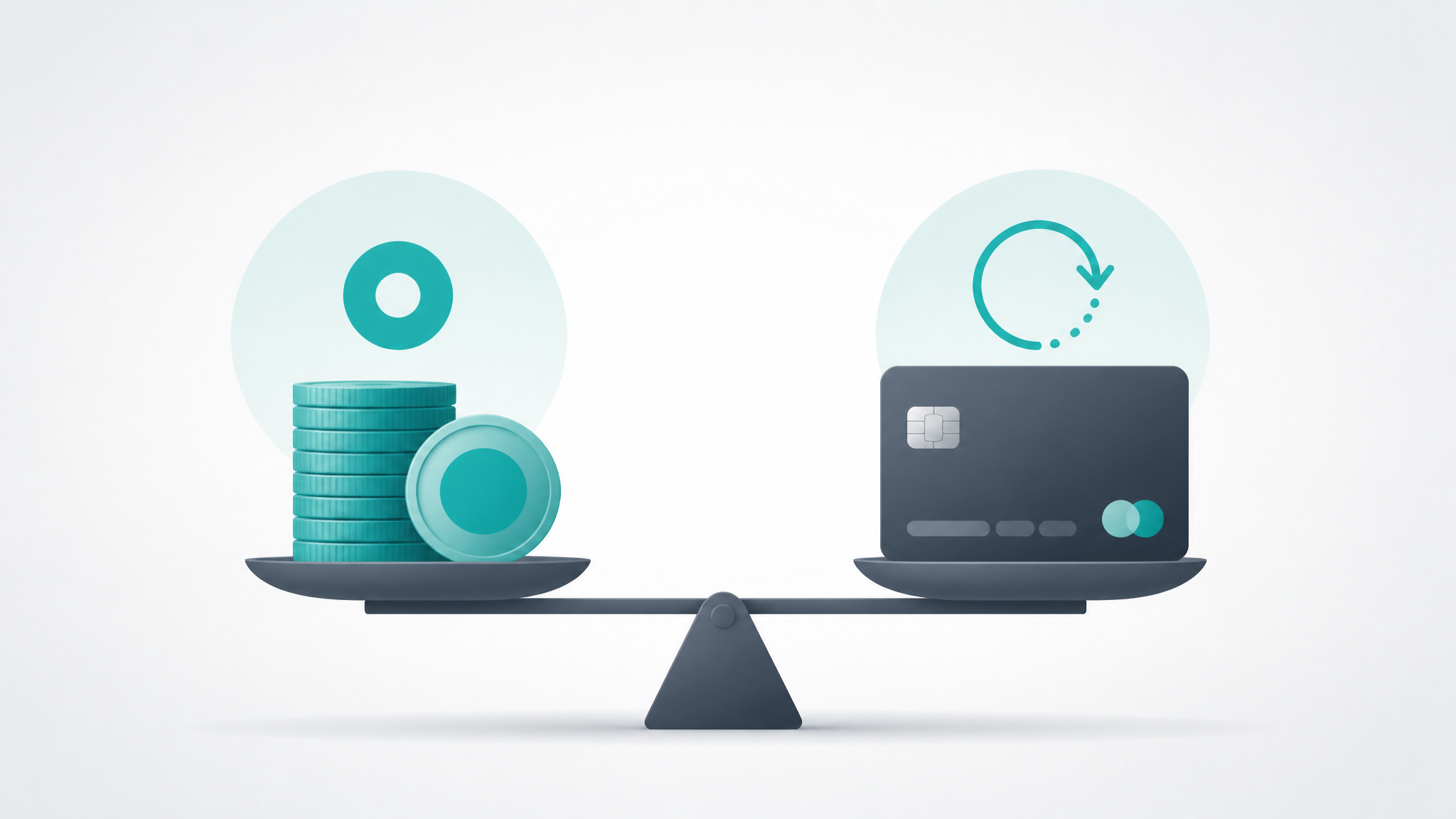
CalmExpense vs YNAB: What You Pay, Own, and Share
CalmExpense is a $29.90 one-time purchase that lives in your Google Drive and never touches your bank login. YNAB is a $109/year subscription that needs Plaid. See what you pay, own, and share with each.
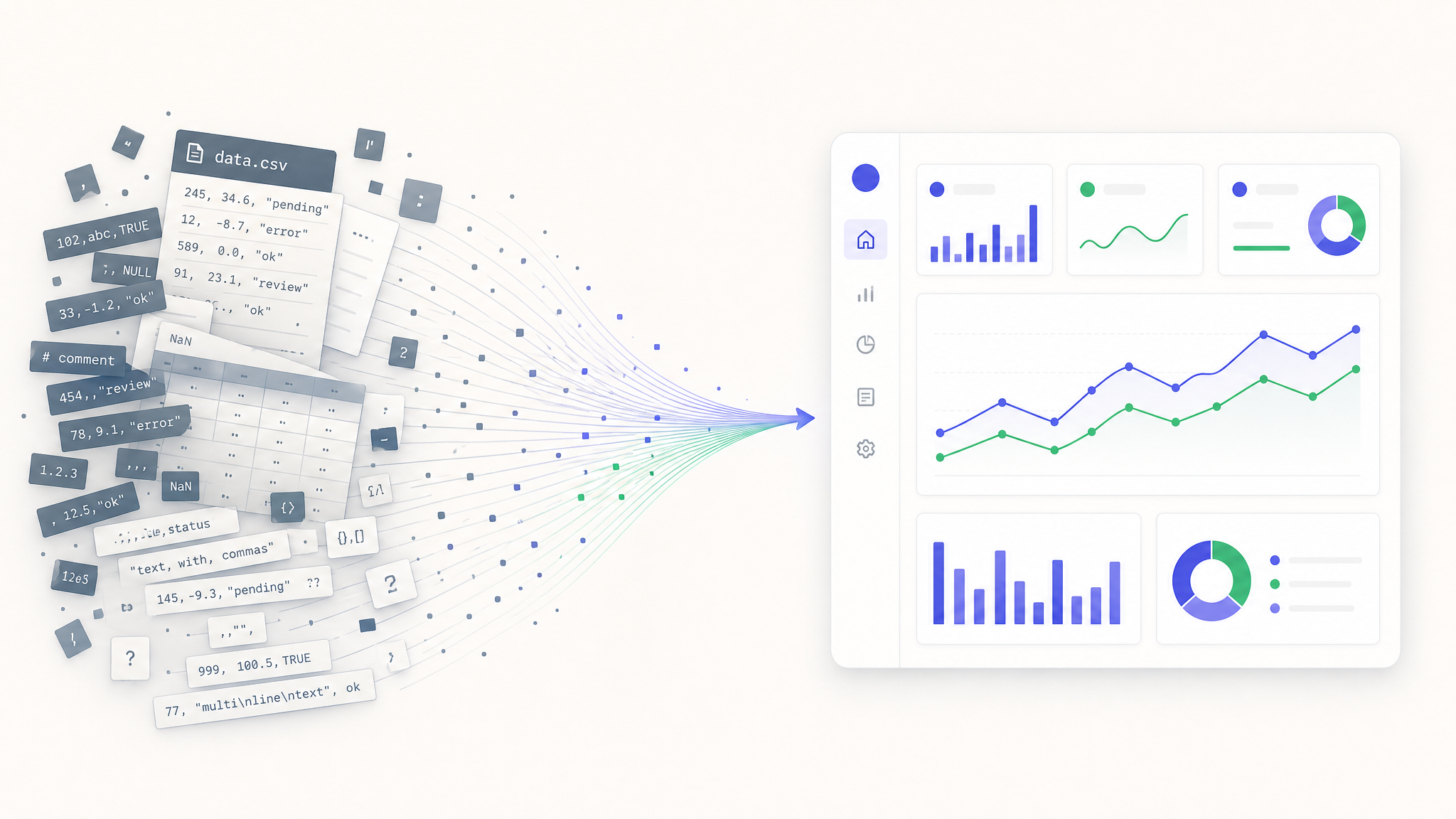
What CalmExpense Does to a Raw Bank CSV
A raw bank CSV is a wall of cryptic strings, duplicates and mixed date formats. See what CalmExpense does to it inside your own Google Sheet, and why that beats typing it by hand.
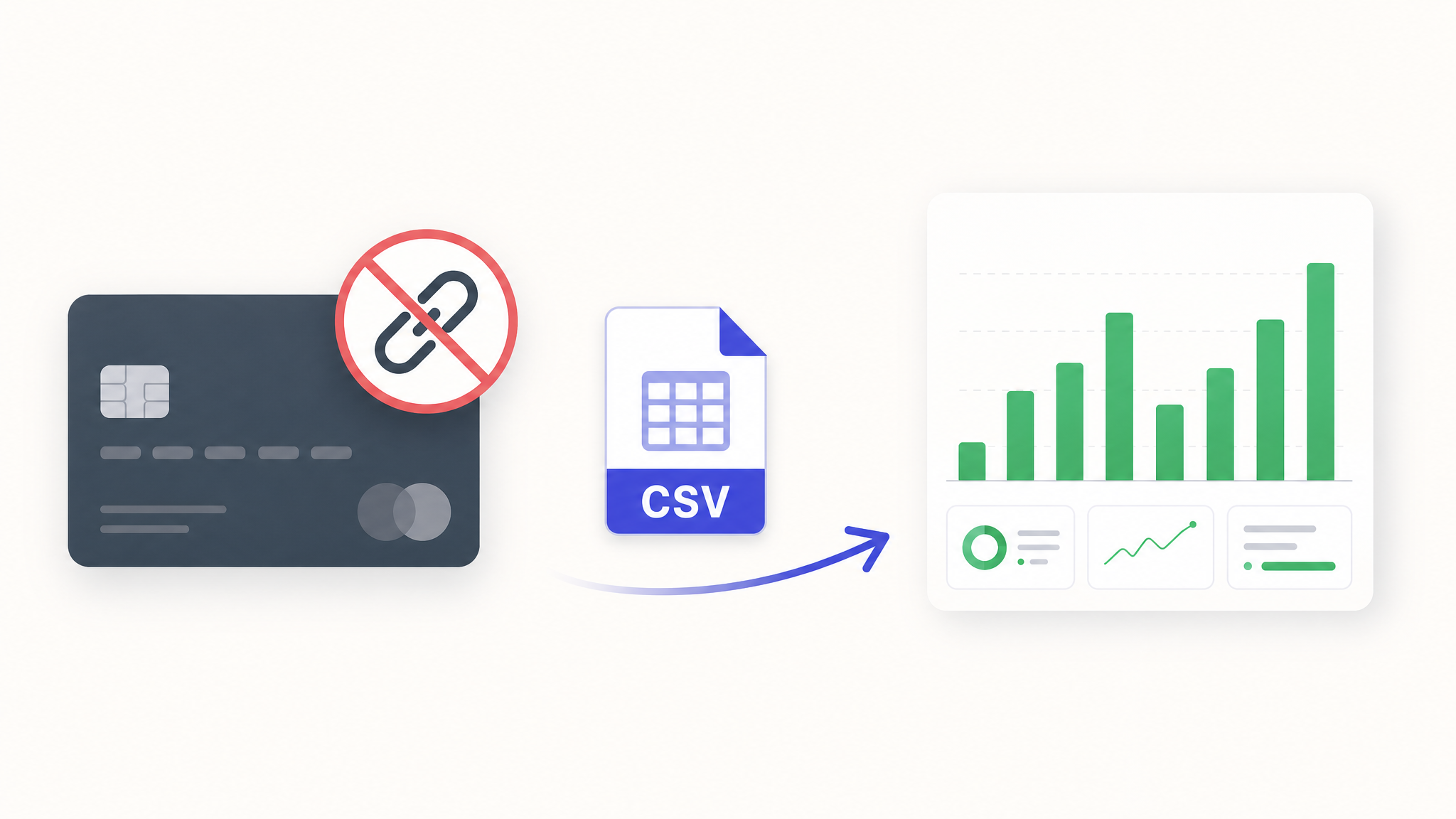
Tracking Your Spending Without Giving Away Your Bank Login
You don't need to connect your bank to see where your money goes. Look at the real trade-off between linked sync, manual typing, and the CSV your Singapore bank already gives you.
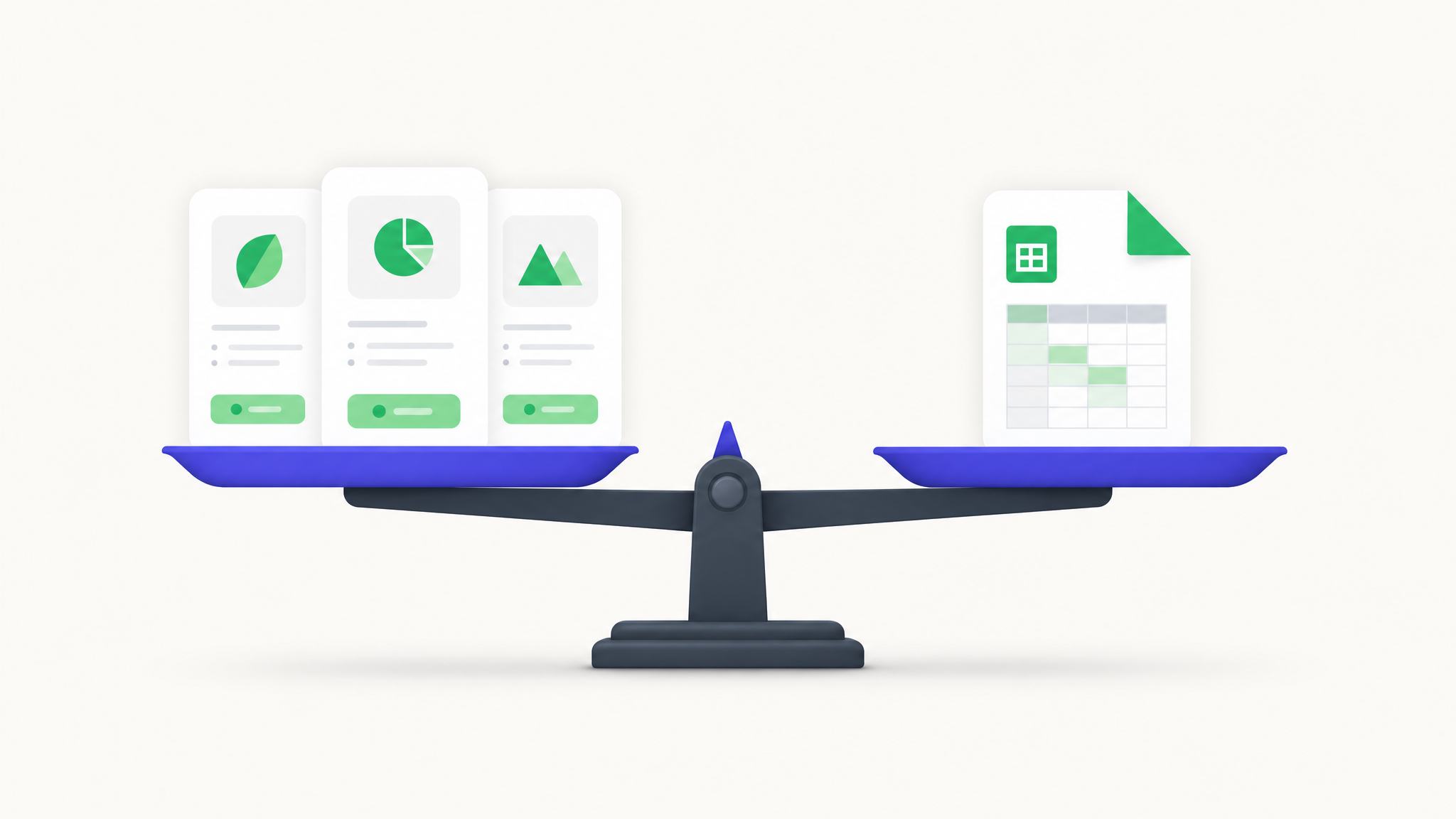
YNAB vs Monarch vs Tiller vs Spreadsheets: 5-Year Cost
What budgeting apps actually cost you over one and five years, in money, privacy and flexibility, compared against a one-time Google Sheets workflow.
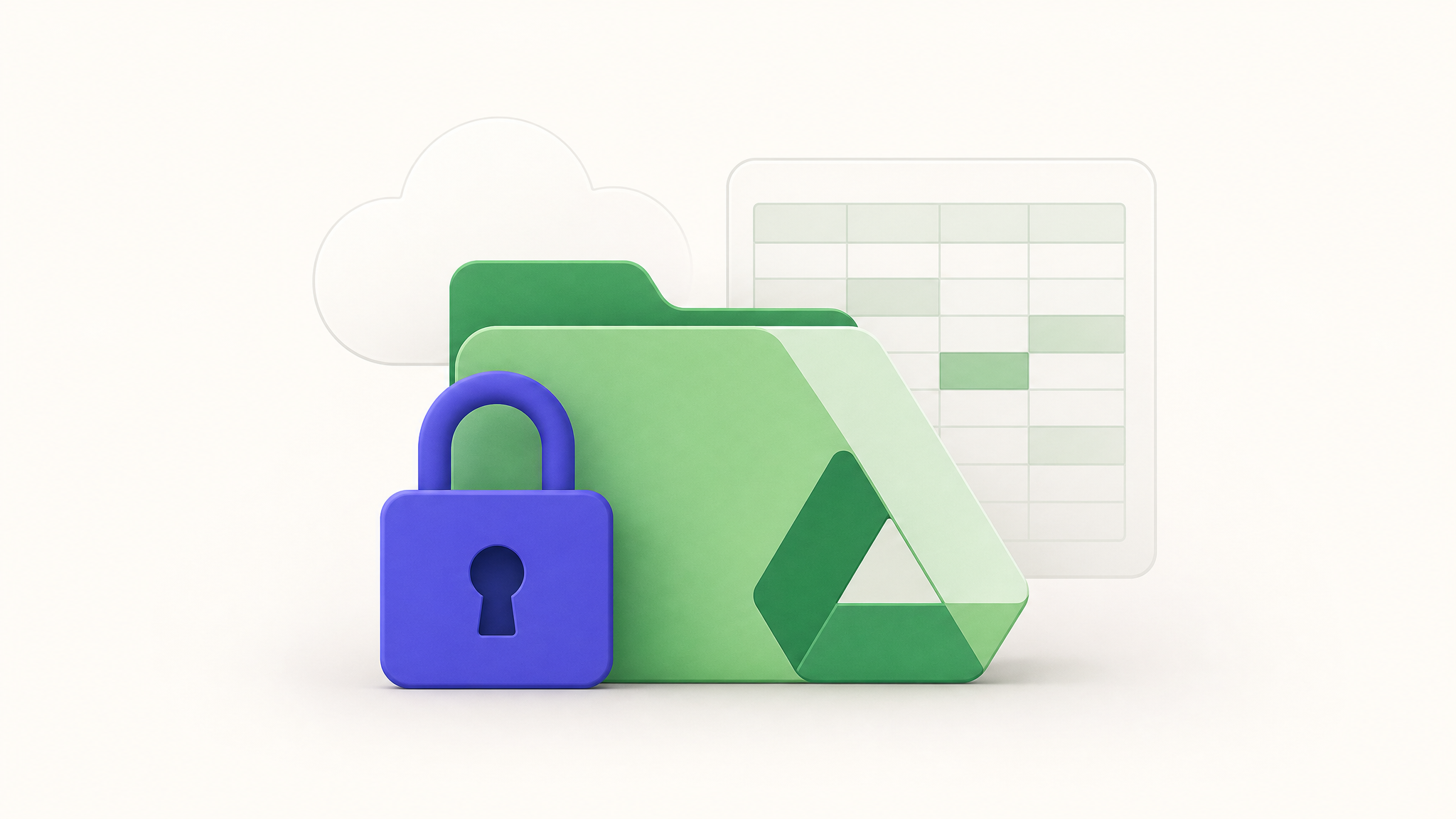
Why Your Financial Data Should Stay in Your Own Google Drive
Most budgeting apps route your bank login through a third party you've never heard of. There's a quieter option: keep your spending history in a place you already own.