
Your Spending Total Counts Every Card Purchase Twice
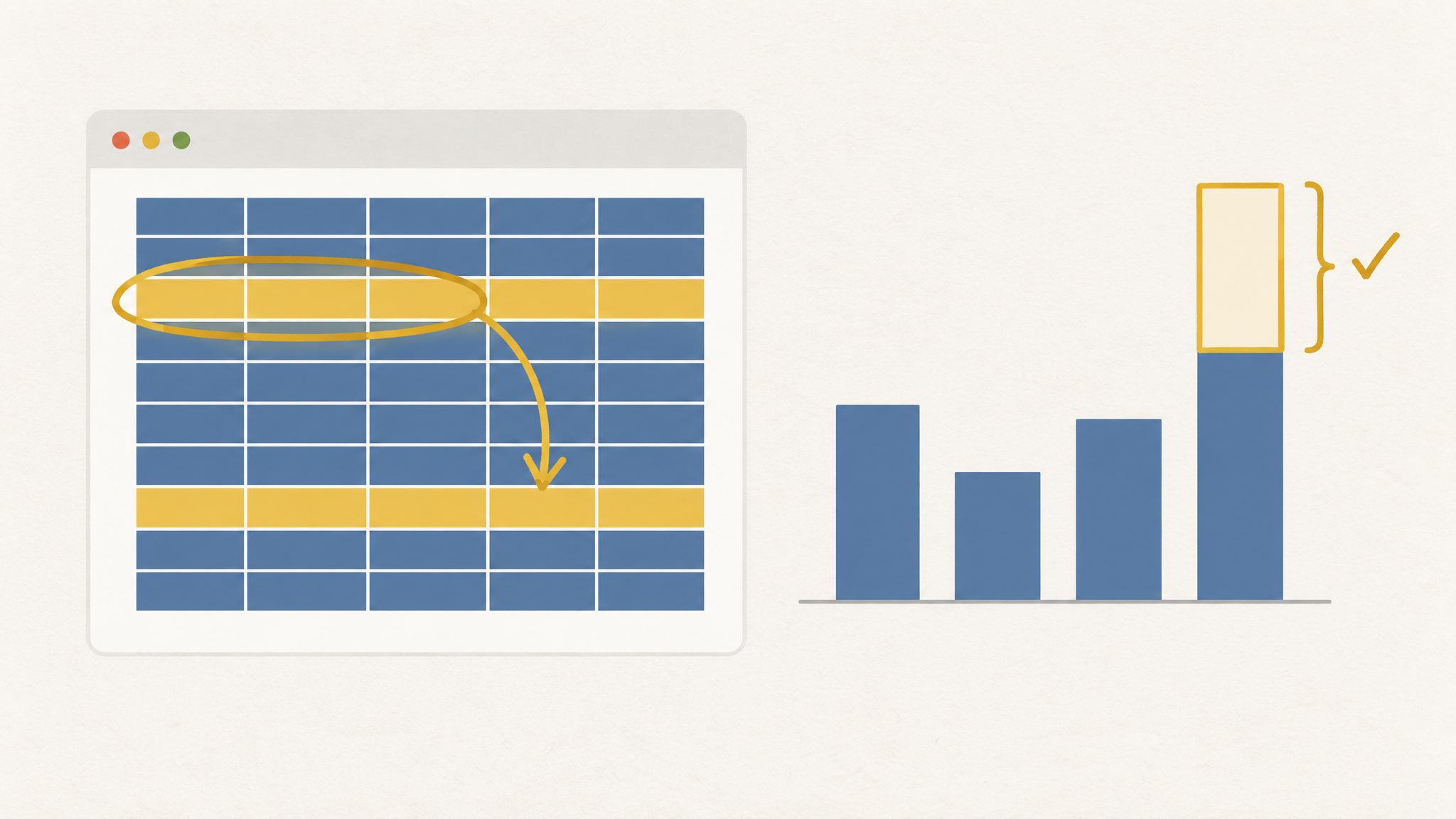
A bank CSV and a card CSV describe the same month from two sides. The card file lists the purchases. The bank file lists one payment that settles them. Import both into the same sheet and that payment lands as a second expense, which turns a S$1,986 month into a S$3,226 one without a single error message.
The row that doubles a month
The Singapore median is S$4,000 take-home against S$1,986 of expenses. About S$1,240 of that runs through a card: groceries, food, transport, a S$89.00 gym membership and the S$22.98 YouTube Premium line inside a S$219 monthly subscription bill. The other S$746 leaves the bank account directly, through GIRO, PayNow to a person, or a bill paid from the account.
Two files, one month. The card file holds the purchase rows. The bank file holds the same month plus a single line reading something like PAYMENT RECEIVED THANK YOU for S$1,240.
A sheet that sums every row it is handed counts that line as spending. It is not spending. It is the same S$1,240 arriving at the card from the other side, and the card file has already recorded what it bought.
| Line in the combined sheet | Amount | Should it count as spending? |
|---|---|---|
| Card purchases (groceries, food, transport, gym, YouTube Premium) | S$1,240 | Yes |
| Card payment from the bank file | S$1,240 | No, it settles the rows above |
| Bank-only rows (GIRO, PayNow, bills) | S$746 | Yes |
| What the sheet totals | S$3,226 | 62% above the real month |
Why the total looks plausible
The error is proportional. Put 60% of your spending on a card and the total lands 60% high, which is close enough to a bad month that it reads as a bad month rather than a bug.
It also hides in the biggest category. A S$1,240 payment line usually gets filed under Transfers, Uncategorised or whatever the template's catch-all is called, and catch-alls are the rows people scroll past. The purchases it settles are spread across five categories, so no single category looks wrong on its own. Getting those categories right in the first place is a separate job, covered in categorising 1,200 transactions without the ten-hour evening.
And the number stays stable. Next month the same thing happens with a different amount, so the total moves in a believable way and nothing about it invites a second look.
What the inflated total does to your decisions
| What the sheet says | What is true | |
|---|---|---|
| Monthly expenses | S$3,226 | S$1,986 |
| Savings rate on S$4,000 take-home | 19.4% | 50.4% |
| Six months of expenses | S$19,356 | S$11,916 |
A 19.4% savings rate is a number people react to. It reads as a month that went wrong, so the response is to cut groceries, cancel the gym, and treat the month as a failure. The real month saved half of take-home.
The emergency fund target is the more expensive mistake. Sizing six months on S$3,226 sets a goal S$7,440 above what the spending supports.
The category view is where it turns confusing. If the payment line is filed under Transfers, the categories look right and the total looks wrong. If it is filed under Shopping, both are wrong. Either way the dashboard describes a month that did not happen.
What CalmExpense does with the second copy
CalmExpense is a dashboard that runs inside a Google Sheet in your own Drive, built from bank CSV files you bring in. De-duplication runs on import, so a transaction arriving from two files is stored once and the total reflects what actually happened.
The card payment is the harder case, because its descriptor does not match any purchase it settles. That is what keyword rules are for: a rule on the payment descriptor can mark it as a transfer instead of an expense, and the total stops double counting. Merchant cleanup handles the other half of the problem, the raw descriptor strings that make a statement unreadable.
None of it needs a bank login. The files come from your bank, the ledger sits in your Drive, and CalmExpense keeps no copy of it. A sheet that needs a rule for every descriptor is also a sheet that needs time each month, and the monthly time cost of tracking money in Google Sheets is the number that decides whether the file survives past month four.
Where this still goes wrong
De-duplication matches what matches. A partial payment is the case it misses: pay S$800 against a S$1,240 bill and the payment line matches nothing, so the S$800 counts as spending while the S$1,240 of purchases also counts. The gap is smaller than a full double count and it is still a gap.
Cash never appears in either file. A month with S$300 of hawker meals and cash tips is understated by S$300 no matter how clean the import is.
The limits of the product matter here too. Import is manual CSV, there is no mobile app yet (it runs in a browser against Google Sheets), and the Google connection shows an "unverified app" warning while the app is under 100 users. A free template will total whatever rows it is handed, which is the trade-off laid out in a free template against a one-time app layer.
Who this does not matter for
If the card is the only account in the sheet, the payment line never arrives and there is nothing to double count. If the bank file is the only one imported, the purchases are missing instead, which is the opposite error and a far more obvious one.
If most of your spending is cash, the sheet is already understated and de-duplication will not fix it. The gap that matters is the one you can see.
FAQ
Why does my total jump when I add a second account?
Because the second file brings a settlement line the first file already accounted for. The jump is roughly the size of the card bill.
Does the double count change the category breakdown or only the total?
Both, depending on where the payment line lands. Filed under a catch-all, the categories stay close to right and the total is wrong. Filed under a real category, both are wrong.
What if the payment only covers part of the card bill?
Then CalmExpense cannot match it and part of the payment stays in the total. The overstatement shrinks without disappearing.
Is this why my savings rate looks worse than my bank balance suggests?
Often, yes. The balance moved by what you actually spent. The sheet moved by that plus the payment line.
This content provides general financial education and product-use guidance, not individualized financial, investment, tax, or legal advice. CalmExpense is not affiliated with or endorsed by DBS, OCBC, UOB, or any financial institution.
See your own spending this clearly
CalmExpense turns your bank statement into a clean dashboard inside your own Google Sheets. No bank linking, no subscription. One payment of $29.90.
Start your free trial