
The 15-Minute Monthly Money Review in Google Sheets
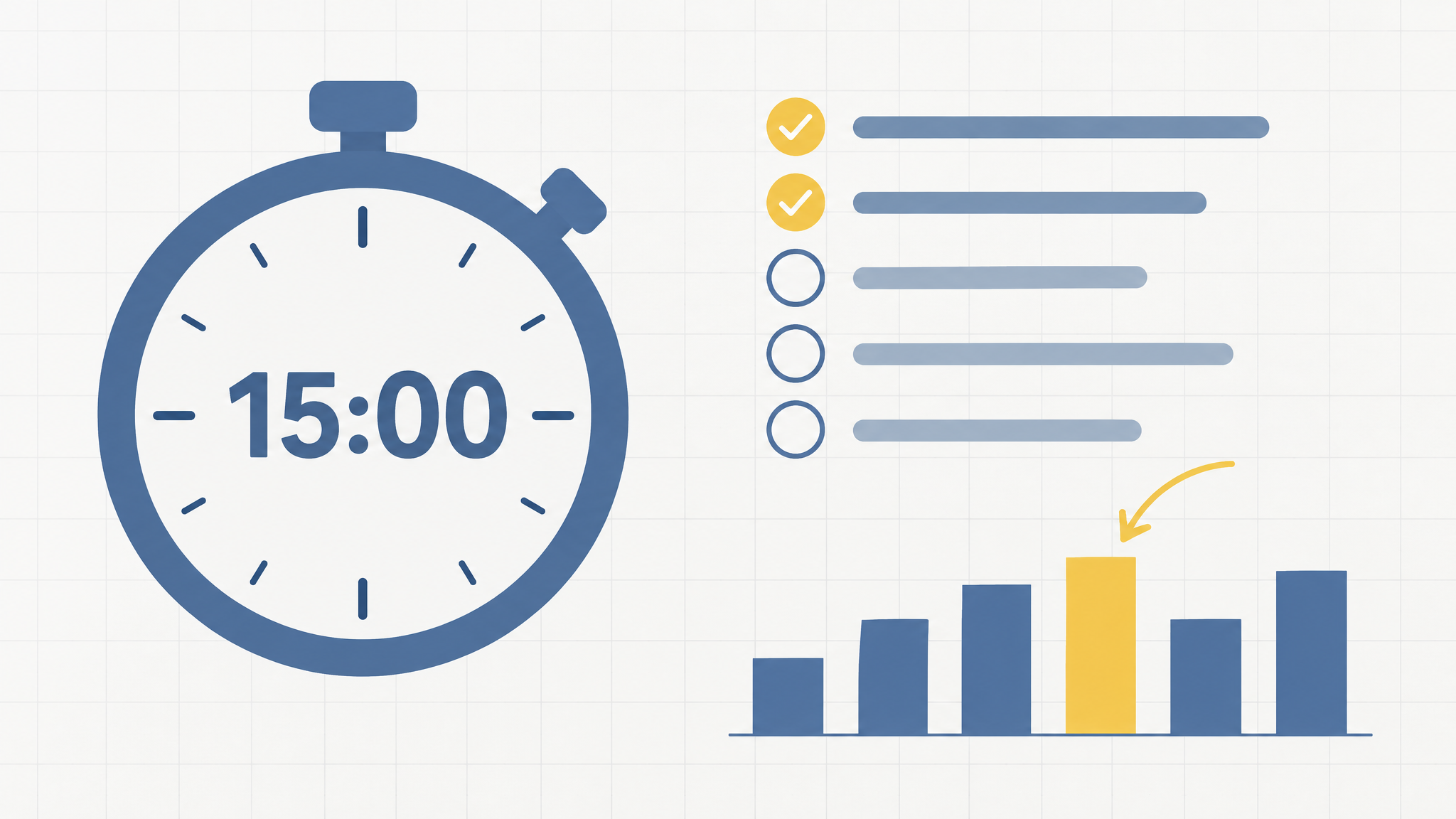
Most budgets don't fail at setup. They fail at month three, when the spreadsheet still exists, the formulas still work, and nobody has opened the file since the day it was built. The fix isn't a better template. It's a short review you repeat: 15 minutes, once a month, five checks, one written decision.
This is the exact routine, in the order that keeps each step short, for a budget that lives in Google Sheets. Set a timer the first time. After two or three rounds, it moves at the speed of reading your own numbers.
Why the review matters more than the setup
A tracker only helps while someone is reading it. The month you stop checking is the month subscriptions creep, categories drift, and the sheet quietly stops matching the bank. None of that arrives as a crisis. It arrives as three small charges you don't remember agreeing to.
Cap the whole thing at 15 minutes and it survives busy weeks. For scale: a median Singapore month is about S$1,986 of spending against S$4,000 of take-home pay. That gap is where savings live, and the review is the moment anyone actually protects it. Skip three reviews in a row and you're guessing about your own money.
What the review is not
- Not a line-by-line reconciliation. You're scanning category totals, not checking every transaction. If something looks off, that's a cleanup task for later, not for the review.
- Not a cleanup session. Categorizing happens when transactions land in the sheet. Merge the two and the review swells into a chore you'll skip next month.
- Not a guilt session. The numbers are information, not a verdict. You're looking for one adjustment, not a performance review.
The 15-minute routine, step by step
| Step | Minutes | What happens |
|---|---|---|
| 1. Import the month's CSV | 3 | Download the statement from your bank, drop it into the sheet. Inside CalmExpense, the import also cleans PayNow and NETS strings and sorts transactions into your categories, so the import doubles as the cleanup. |
| 2. Scan the totals | 3 | Read the dashboard category by category against last month. Flag the one or two that moved. Jumps matter, perfection doesn't. |
| 3. Sweep the recurring block | 3 | Look through subscriptions and repeat charges: new additions, price jumps, anything unused. Charges like the gym at $89.00 a month or YouTube Premium at $22.98 are exactly the ones that slide into the background. A full subscription audit often turns up around $219 a month, most of it forgotten. |
| 4. Check the pots | 3 | Confirm two numbers: the set-aside total for annual bills, and the emergency fund balance. Did this month's transfer actually happen? |
| 5. Write one decision | 3 | One line in the log: cancel something, adjust a target, move an amount. Twelve reviews, twelve decisions. That's how a budget changes shape over a year. |
Two of these steps get deeper when a number needs fixing rather than reading. The sweep in step 3 has a full walkthrough for finding subscriptions you forgot about. The pots in step 4 connect to the exact setup for annual bills and the four-month emergency fund math.
One scheduling note: put the review on the calendar, either the first weekend of the month or the day after payday lands. The slot matters less than the repeat.
The review log: five columns, two formulas
One tab, one row per review:
| Month | Total spent (S$) | Biggest mover | Subscriptions to action | Decision |
|---|---|---|---|---|
| 2026-08 | 2,140 | Food/Dining | None | Move S$200 to the bills account |
| 2026-09 | 1,975 | Groceries | Gym Membership | Ask about the 12-month rate |
Two formulas carry the tab. The change versus last month, =(B3-B2)/B2, formatted as a percentage. And a rolling average, =AVERAGE(B2:B7), which quietly becomes the number you compare every new month against.
Five columns is deliberate: lean enough to fill in three minutes, complete enough to compare months.
Twelve rows later, you can see which months run hot, which categories drift, and whether last month's decisions actually stuck. No single month tells you any of that. Keep the log beside your planned vs actual view; the detail stays in the budget, and the summary lives here.
Three ways the review breaks
- Skipping a month, then doubling up. Miss one and restart with the next normal review. A catch-up marathon turns a habit into a backlog.
- Fixing things mid-review. If a category comes out wrong every month, fix the rule that fills it, once, then go back to scanning.
- Ending without the decision. Steps 1 to 4 are reading. Step 5 is the only one that changes next month.
Where CalmExpense fits
The routine above assumes the boring parts are handled: the CSV import, the PayNow and NETS cleanup, category assignments, and a dashboard you can read at a glance. That's the part CalmExpense sets up for you, inside a Google Sheet you own. You import the bank CSV yourself, the file lives in your Google Drive, and no bank login is shared at any point. The monthly work shrinks to reading five numbers and writing one line.
You can click through the whole flow, messy CSV in, clean dashboard out, on mock data in the live demo before deciding anything. When you want the routine running on your own statement, set up your own Google Sheet here. There's a free tier to start on, no card needed.
One cost note, since the review's whole job is finding money that leaks away in small amounts: the tracker shouldn't add a leak of its own. CalmExpense is a one-time payment of $29.90, not another monthly line to review.
FAQ
Is 15 minutes enough?
For five checks, yes. Your first run may take closer to 30 minutes because you're also building the log. Steady state is 15. On a rough month, do the five-minute version instead: import, scan, one decision. Short beats skipped.
What if a month gets missed entirely?
Pick up with the latest statement and run the normal routine. Don't backfill two months in one sitting; that's how people quit the habit. The gap in the log is information, not a failure.
Does any step need a bank login?
No. The routine runs on bank CSV files you download yourself, and the data stays in your own sheet. Nothing connects to your bank account, and there's nothing to revoke later.
Which step matters most?
The decision. The first four steps are reading; the fifth is the only one that changes what happens next month. On a five-minute month, import the statement and write the decision.
The bottom line
A spreadsheet you never open is a museum piece. Fifteen minutes a month keeps the numbers real, and the log turns one month into a track record you can use. Run the first review this week: import, scan, sweep, check, decide. The second one takes 15 minutes, and by the third, you'll spot your patterns before they become problems.
Last updated: 19 September 2026
See your own spending this clearly
CalmExpense turns your bank statement into a clean dashboard inside your own Google Sheets. No bank linking, no subscription. One payment of $29.90.
Start your free trial