
Sinking Funds in Google Sheets: The Exact Setup for Annual Bills
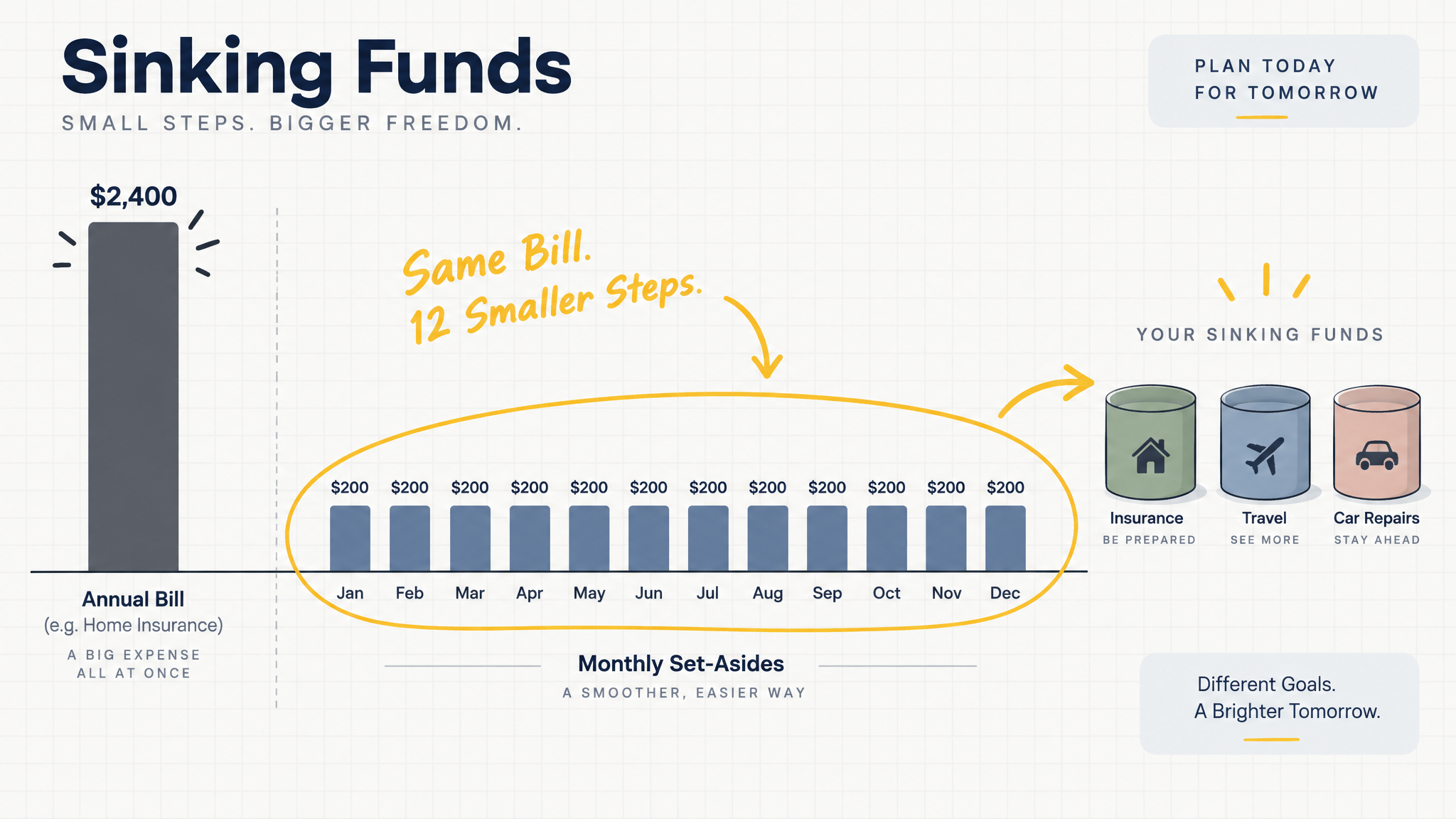
Insurance renewals, road tax, travel bookings, a phone that finally gives out. The biggest bills of your year are not the monthly ones, and they arrive as single charges big enough to swallow most of a month's spending. If you already track your money in a Google Sheet, the fix lives in the same file: a sinking fund tab that tops up every month so the cash is waiting when the bill lands.
This guide shows the exact setup inside CalmExpense, from the columns to build to the three formulas that recalculate on their own, so annual bills stop breaking your month.
Where sinking funds sit in your CalmExpense sheet
CalmExpense already gives you a Google Sheet with your bank CSV imported, transactions sorted into Food/Dining, Transport, Groceries, Gym Membership, YouTube Premium, and Shopping, and a dashboard that shows where the month went. A sinking fund is one more tab in that same file. Nothing leaves your Google account, and the set-aside total you work out here becomes a line you plan against on the dashboard you already read every month.
A sinking fund is money you put aside every month for a bill you know is coming: insurance premiums, road tax, annual travel, gifts, the laptop that will need replacing. The dates sit on the calendar even when the exact amounts do not, and that is enough to plan around.
An emergency fund does a different job. It covers what has no date at all, a hospital visit, a sudden loss of income, a fridge that dies on a Sunday. Keep it in a separate pot from bill money. Four months of expenses is a defensible target, and it should never share a tab with your sinking funds. Spend one for the other and both stop working.
Why the monthly split matters
A S$1,200 insurance renewal is about 60% of a median Singapore month's spending (S$1,986). Pay it in one shot and your CalmExpense dashboard turns red for a reason you saw coming all year.
| Paid in one month | Paid from a sinking fund | |
|---|---|---|
| Where the money comes from | That month's cash, or a card | A set-aside you move every payday |
| What the month feels like | 60% of a median month's spending leaves at once | One line item of S$100 to S$200 |
| When the stress shows up | The week before the due date | Nowhere in particular |
Spread across twelve months, the same S$1,200 is S$100 a month, about 2.5% of median take-home pay (S$4,000). Same bill, different shape on your dashboard.
Annualize a few ordinary charges and the point gets sharper. YouTube Premium at $22.98 a month is $275.76 a year, a figure that is easy to miss until CalmExpense lines your subscriptions up in one view. The charges you have stopped noticing are worse: a full subscription audit often turns up around $219 a month, most of it small enough to never sting on its own. Sinking funds handle the yearly bills; a clean subscription view handles the monthly leaks. You want both, and both live in the same sheet.
The tracker: seven columns, three formulas
Add one tab to your CalmExpense sheet. Seven columns:
| Fund | Target (S$) | Saved so far (S$) | Due | Months left | Set aside this month (S$) | Progress |
|---|---|---|---|---|---|---|
| Insurance renewal | 1,200 | 0 | 15 Mar 2027 | 6 | 200 | 0% |
| Travel | 1,800 | 0 | 13 Sep 2027 | 12 | 150 | 0% |
| Gifts | 360 | 60 | 15 Feb 2027 | 5 | 60 | 17% |
| Device replacement | 600 | 0 | 15 Jul 2027 | 10 | 60 | 0% |
Three formulas do the work:
Months left:        =MAX(1, DATEDIF(TODAY(), D2, "M"))
Set aside / month:  =ROUNDUP((B2-C2)/E2, 0)
Progress:           =C2/B2    (format this column as a percentage)
Then one total, which you treat like a fixed cost from then on:
Total to move on payday: =SUM(F2:F5)
Two things about the design. First, the set-aside number recalculates on its own as the deadline gets closer: the same S$1,200 bill asks for S$100 at twelve months out and S$200 at six, and if you miss a month, the number nudges up instead of the plan falling apart. Second, the targets are guesses you refine, not promises you break. When the renewal notice arrives with a higher figure, change the target cell and everything downstream adjusts. Because it is your own Google Sheet, you can add a fund, drop one, or rework a formula without asking anyone.
In the example above, the total is S$470 a month. If that feels heavy, trim the list, not the system. Start with the one or two bills that hurt most last year and add funds as the months settle.
Three mistakes that break the system
Leaving the money in the spending account. What keeps a set-aside from being spent when it sits next to your daily balance? Nothing. Move the total to a separate savings account, or one dedicated bills account, on payday. The CalmExpense sheet tracks the plan, the account holds the cash.
Setting the amount once and never touching it. Premiums creep, travel prices move, and a number you fixed two years ago is quietly wrong. Check the targets once a quarter, or when a bill notice lands, and let the formulas handle the rest.
Treating every surprise as a bill. An unscheduled repair is emergency-fund territory. When bill money pays for emergencies, the next renewal shows up with nothing behind it, and the system that was meant to remove stress becomes a source of it.
Where this fits in your monthly routine
You already run a short CalmExpense review each month: import the latest bank CSV, check the categories, read the dashboard. The sinking fund tab adds five minutes to that same session. Update what moved into the bills account, check the set-aside total against the month ahead, adjust a target if something changed. That is all it takes.
The harder part of any spreadsheet system is everything around it, the bank CSV import, the categorization, the view of where the month is going. That is the part CalmExpense sets up for you: you import your bank CSV into a Google Sheet you own, with categories and a dashboard ready, and no bank login at any point. You can click through the whole flow, messy CSV in, clean dashboard out, on mock data in the live demo before deciding anything.
If you already track planned vs actual spending in the sheet, the set-aside total slots in beside it: the plan on one line, the real spending on another, no guessing in between.
FAQ
Is a sinking fund the same as an emergency fund? No, and mixing them is a common failure. Sinking funds cover dated bills. Emergency funds cover undated events. Keep them in separate tabs of your CalmExpense sheet so each keeps its job.
How much should you set aside each month? Take the amount still needed and divide it by the months left, rounding up. A S$1,200 bill due in six months needs S$200 a month. Do not fix the amount by hand; the formula moves it as the deadline gets closer.
Where should the money actually sit? A separate savings account is the simplest answer. Some people open one bills account for everything, others keep an account per fund. Either works, as long as the money is not sitting in the account you spend from. The sheet stays the record either way.
What if a month is too tight to set anything aside? Protect the nearest deadline first. Then make one deliberate change in the sheet: lower a target, move a date, or carry the shortfall into next month's number. A planned adjustment is fine. Skipping the set-aside without deciding anything is what breaks the system.
The bottom line
Annual bills are not surprises. They have dates, and dates can be planned around. One tab in the Google Sheet you already use, three formulas, and one payday transfer turn a S$1,200 hit into a S$200 line item that stops being dramatic. Set it up once inside CalmExpense, next to the import and dashboard you already run, and the biggest bills of your year stop landing as shocks.
See your own spending this clearly
CalmExpense turns your bank statement into a clean dashboard inside your own Google Sheets. No bank linking, no subscription. One payment of $29.90.
Start your free trial