
What You Actually Get With CalmExpense
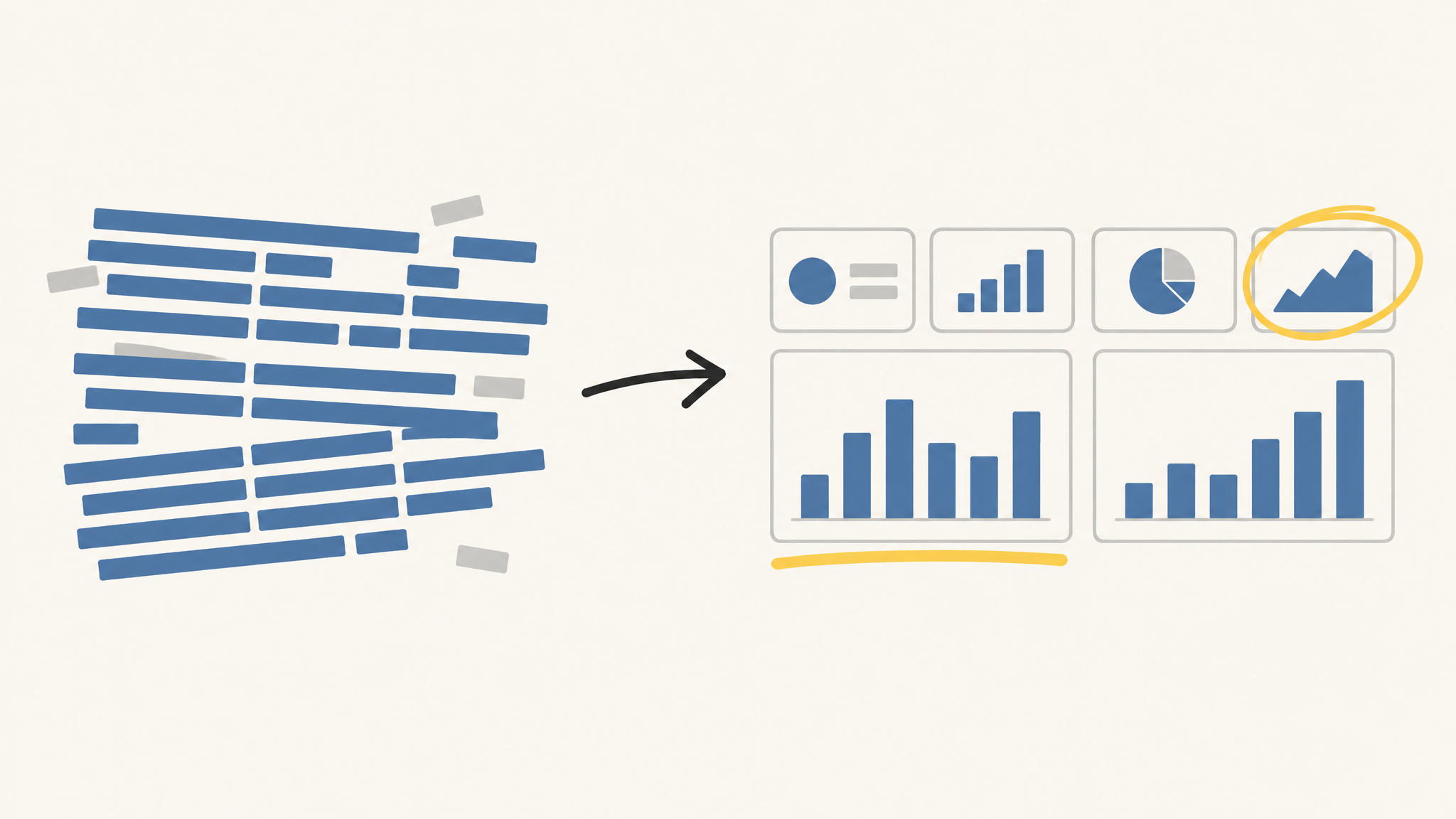
A messy bank CSV goes in, cleaned merchant names and categories come out, and a dashboard sits on top of the same Google Sheet you already own. Your transactions stay in your Drive, the price is $29.90 USD once, and there are four things CalmExpense deliberately won't do. This is for anyone weighing a one-time, privacy-first dashboard against a subscription app or a blank spreadsheet.
The scope below is the import, the cleanup rules, the dashboard, and the limits. No Excel, and no attempt to rank every budgeting app on the market.
What the import handles
Real statements are unreadable, and that's the first thing you notice. A row doesn't say "Amazon". It says AMZN Mktp US*8454RT. A supermarket run doesn't say "FairPrice". It says POS DEBIT CARD 4521 FAIRPRICE FINEST, with the store number and terminal code still welded on. A transfer to your own savings account shows up as TFR TO SAVINGS 8842 and looks exactly like spending until you tell the sheet otherwise.
The import is a file drop into a tab in your own Google Sheet. Nothing goes to a CalmExpense server, because there's no CalmExpense database holding your transactions. The sheet lives in your Drive and the app reads it there. You export the CSV yourself, from any bank worldwide that offers one, and imports are unlimited.
The place people slow down is the header row. DBS, OCBC and UOB each lay out their columns differently, and one of them puts account metadata above the header. If you want the field-by-field version, there's a breakdown of what every column in a DBS, OCBC and UOB CSV actually means.
Rules, not a model
People assume the cleanup is AI. It isn't. There's a keyword rule table and a merchant database, both visible in the sheet and both editable. One rule reads: if the description contains FAIRPRICE, the merchant is FairPrice and the category is Groceries. If it contains GRAB, the category is Transport. You can open the table, read every rule, and add your own without touching a formula.
After the cleanup runs, the description column becomes a readable merchant name, the category column fills in, and rows you already imported last month get dropped instead of counted twice. That de-duplication is automatic.
The honest limit is a merchant you've never bought from. No rule exists yet, so it lands in an uncategorised bucket until you write one. That takes about ten seconds, and after two months most of your regular spending is covered. Singapore descriptor strings need the most rules, since PayNow references and NETS terminal codes aren't merchant names in any useful sense.
What the dashboard shows
Four numbers at the top, four charts under them. The tiles are the whole idea in one row.
| Tile | What it answers |
|---|---|
| Income | What actually landed this month |
| Expense | What left, with savings transfers excluded |
| Saving and Invest | What you moved aside on purpose |
| Surplus | Income minus expense minus savings |
Below the tiles sits a budget chart with income, expense and savings side by side, a timeline of income against expense across the month, spending by category, and your top merchants with the cleaned names combined. A typical sheet runs Groceries, Transport, Food/Dining, Shopping, Gym Membership at $89.00 a month and YouTube Premium at $22.98 a month.
This is where things get clearer. Take-home pay around S$4,000 against median expenses near S$1,986 leaves a thin surplus, and at that level the category chart tells you more than the headline totals do. Subscriptions you forgot about can add up to $219 a month without you noticing, which is the kind of thing that only shows up once the merchant breakdown combines the cleaned names. If that number sounds familiar, the story of $219 a month in forgotten subscriptions walks through finding them.
You can consolidate multiple accounts into one dashboard, so the surplus you see reflects everything, not one card.
What CalmExpense won't do
Four limits, ordered by how often they come up.
No mobile app yet. You use CalmExpense in a browser on top of Google Sheets. On a phone that means the Sheets app plus a browser tab, which isn't a native app, and there's no point pretending otherwise.
No bank connection. You export a CSV and import it. That's the trade: roughly 15 minutes a month of your time in exchange for no credentials leaving your hands. Nothing is routed through Plaid or any aggregator.
No AI categorisation. Rules, not a model. Better for auditability, worse for the first purchase from a merchant nobody has seen before. Nothing about your spending is sent to a model to train on.
A Google warning. While the app is in beta, Google shows an "unverified app" screen during authorisation. It's the standard OAuth notice for an app that hasn't been through Google's review, and it looks worse than it is.
What it costs next to the alternatives
| Option | Cost | What you give up |
|---|---|---|
| CalmExpense | $29.90 once | Manual CSV export, browser only |
| YNAB | $109/year (about $545 over five years) | Bank linking, US cloud servers, a subscription that never ends |
| Monarch Money | $99.99/year | Bank linking through an aggregator |
| Spreadsheet template | $10 to $40 once | No cleanup, no dashboard, formulas you can break |
| AI chat tool | Varies | Your statement pasted into a model, and no persistent dashboard |
Five years of YNAB runs about $545. CalmExpense is $29.90, once, and the sheet keeps working if the company disappears tomorrow because it's your sheet. The launch price is $29.90 (normally $59.90), with lifetime access and free future updates, plus a 14-day trial that takes no card to start.
That argument only holds if the manual import doesn't annoy you enough to quit, which is why the limits sit above the price rather than below it. The full figures live on the CalmExpense pricing page.
What a month of this actually looks like
A month of CSV, cleanup and dashboard runs close to 15 minutes once the rule table is built, more like twenty-five the first time around while the categories get filled in. Most of that time goes to two things: reading the four tiles at the top, and catching whatever landed uncategorised because it's a merchant the sheet hasn't seen before.
What tends to show up is the same handful of merchants every month, which is exactly why the rule table pays off after the first couple of passes. The uncategorised bucket is usually the most useful part of the whole loop, since it's where a new subscription or a one-off charge gets noticed instead of folding into "miscellaneous" and disappearing.
Set Budget, anomaly detection and forecasting are coming soon, so today the dashboard reports what already happened rather than predicting what should happen next. The rules written once keep paying off every month after, since most regular spending repeats in the same handful of categories.
FAQ
Does CalmExpense see my transactions? No. The transactions sit in a Google Sheet in your Drive. CalmExpense is a web interface that reads and writes that sheet, and there's no separate database of your spending on the other end.
Can you use it without Google Sheets? No. Sheets is the storage layer, so an Excel-only workflow is out.
What happens after the 14-day trial? You pay $29.90 once or you stop. No card is taken at the start, so there's nothing to cancel.
Does it work outside Singapore? The import takes a CSV from any bank that exports one. The cleanup rules are tuned for DBS, OCBC, UOB, PayNow and NETS, so a non-Singapore statement needs more of your own rules.
This content provides general financial education and product-use guidance, not individualized financial, investment, tax, or legal advice. CalmExpense is not affiliated with or endorsed by DBS, OCBC, UOB, or any financial institution. DBS, OCBC and UOB are trademarks of their respective owners.
See your own spending this clearly
CalmExpense turns your bank statement into a clean dashboard inside your own Google Sheets. No bank linking, no subscription. One payment of $29.90.
Start your free trial