What a Budgeting App Can See in Your Google Account
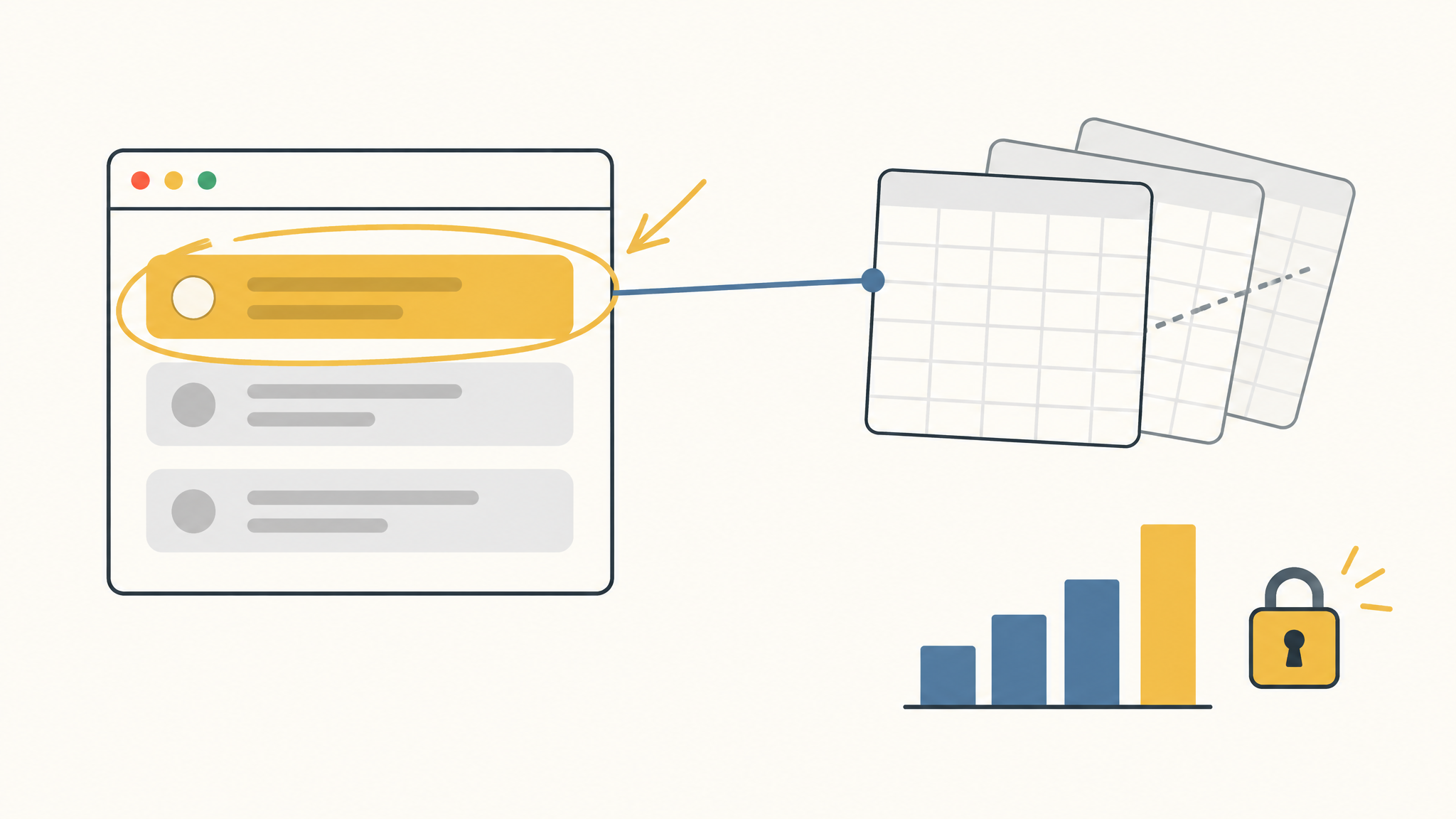
A budgeting app that connects to Google asks for a permission you can read in plain English, and almost nobody reads it. The line that matters most tells you whether the app can see all of your Drive or only the files it creates for you. That one distinction decides how much of your account a finance tool can actually touch.
This is for anyone weighing a budgeting app against a spreadsheet they already own, and wondering what they're really handing over.
What the permission lines actually mean
Google writes these in the same flat tone whether the scope covers one file or your entire mailbox. The wording looks reassuring, so it's worth reading each line slowly. The table below spells out what each one means.
| The line reads something like | What it exposes | What it means |
|---|---|---|
| "See, edit, create and delete only the specific Google Drive files you use with this app" | Only the files you open with the app, plus files it creates. It cannot list the rest of your Drive. | The narrow one. Fine for a budgeting tool. |
| "See, edit, create and delete all of your Google Drive files" | Every document, sheet, PDF and photo in your Drive. | Worth questioning. A tool that writes one budget sheet doesn't need the other 4,000 files. |
| "See, edit, create and delete your spreadsheets in Google Drive" | Every spreadsheet you own, not just the budget one. | Broad. Acceptable only if your Sheets hold nothing else you care about. |
| "Read, compose, send and permanently delete all your email from Gmail" | Your whole mailbox. | No budgeting app needs this. |
| "View your email address" and basic profile | Name, email, profile picture. | Normal. This is how the app knows who you are. |
The first row is the one to look for. Google calls that scope drive.file, and it's the difference between an app that touches one file and an app that can read everything ever saved. A finance app that asks for the second or third row without a clear reason is telling you something about how it was built.
The "Google hasn't verified this app" screen
Small tools run into this screen often, and it deserves a straight explanation.
It appears when an app requests sensitive or restricted Google scopes and hasn't finished Google's verification review. Google caps unverified apps at 100 new users, which is exactly why small products sit behind that screen for months. It tells you about paperwork, not intent.
What separates a safe request from a risky one at that screen comes down to three signals: whether the app name matches the site the request came from, whether the scope list matches what the tool actually claims to do, and whether a privacy policy lists a real contact address rather than a contact form. When all three line up, the warning is a formality. When one of them doesn't, that mismatch is the signal worth trusting.
The same test applies to CalmExpense. It's a small product in beta, so the consent screen may show that unverified-app warning during authorisation. The scope it requests ties access to the spreadsheet CalmExpense creates in your Drive, not your whole account. A broader request than that would be a bug, not a feature.
One rule holds everywhere: a Google password never belongs inside a budgeting app's login form. OAuth exists so the password itself never has to leave Google.
What revoking access does, and what it doesn't
Removing access stops an app from making future requests to your account. It does not delete data the developer already stored on their own servers. That has to be requested separately, from them.
That gap is the whole argument for caring about where a ledger lives, more than what a privacy policy promises.
If transactions sit in a database the vendor controls, revoking access stops the app and leaves the history with them. If transactions sit in a spreadsheet in your own Google Drive, revoking access stops the app and leaves the file exactly where it was, readable in Sheets, exportable to CSV.
A policy is a promise. A file location is a fact. The second one is easier to rely on, which is the argument for keeping your financial data in your own Google Drive rather than a vendor's cloud.
It's also why pasting a statement into a chatbot differs from importing a CSV into a sheet you own. The chatbot route hands raw transaction lines to a system that can't be audited or revoked in the same way. That distinction is covered in why a bank statement doesn't belong in an AI chatbot.
What separates a safe app from a risky one
A budgeting app that holds up under scrutiny tends to share five traits. It lets everything be exported as CSV without a support ticket. Revoking access still leaves the records intact. It doesn't request anything beyond the files it creates. The price is one payment rather than a renewal every year. And it doesn't ask for a bank login at all, since that would mean a third party holding credentials alongside the app itself.
That last trait is the one most reviews gloss over. The median Singapore household spends S$1,986 a month, and a year of records isn't something anyone wants held hostage by a subscription that lapsed.
Bank-linked apps fail that trait by design. YNAB at $109 a year connects through an aggregator like Plaid, so bank credentials pass through a third party before the app ever sees them. Across five years that's about $545, and the sync stays fragile outside the US and Europe, with Singapore 2FA that keeps disconnecting it. That's a real trade for convenience, and not everyone wants to make it. The five-year cost of YNAB, Monarch and spreadsheets lays the numbers out side by side.
Free bank tools and aggregators like DBS NAV Planner, Seedly or Dobin fail a different trait. They're free and pre-integrated, but they can use the data to upsell insurance, loans or investments, and NAV Planner only covers DBS. Spreadsheet templates from Etsy or Gumroad pass the privacy trait but fail the convenience one, since every transaction gets typed by hand and the formulas break easily.
Where CalmExpense sits
CalmExpense is built around the privacy trait. A CSV gets downloaded from DBS, OCBC or UOB and imported, and the dashboard runs inside a Google Sheet in your own Drive. No bank login, no aggregator, no Plaid, no server-side copy of the ledger. The developer can't see the transactions. The cost is a manual import, worth saying plainly rather than pretending it's automatic, and there's no mobile app yet since CalmExpense runs in Google Sheets in the browser.
The table below shows how the five traits line up for a Sheet-based ledger.
| What matters | Bank-linked app | CalmExpense in Google Sheets |
|---|---|---|
| Which files the app can touch | Varies with the scope granted | One spreadsheet CalmExpense creates in your Drive |
| What happens when access is revoked | Records on the vendor's servers stay there | The Sheet stays put, revoking stops the app, not the records |
| What access costs over time | A renewal every year | $29.90 once |
Import takes about 15 minutes a month from statement to dashboard, with automatic de-duplication, merchant name cleanup and keyword categorisation that stays under your control. The CalmExpense pricing page has the full details for anyone weighing these traits against a subscription.
FAQ
Does revoking access delete my data?
No. It stops the app from making new requests. Anything the developer already copied to their own servers stays there until deletion is requested separately. Anything in your own Drive stays, because it was never theirs to delete.
Is an unverified app dangerous?
Not automatically. It means Google hasn't finished reviewing the developer, and the 100-user cap is why small tools sit there. The scope list matters more than the badge. A verified app with full Drive access carries more risk than an unverified app that touches one file.
Can a Sheets add-on read my other spreadsheets?
It depends on the scope it was granted. The narrow drive.file scope limits it to files used with the add-on. Broader spreadsheet scopes don't.
What does CalmExpense actually ask for?
A Google account, and access to the spreadsheet it creates in your Drive. It doesn't ask for a bank login, and there's no copy of the ledger on a CalmExpense server. The price is $29.90 once, with a 14-day free trial and no card to start.
This content provides general financial education and product-use guidance, not individualized financial, investment, tax, or legal advice. CalmExpense is not affiliated with or endorsed by DBS, OCBC, UOB, or any financial institution. DBS, OCBC and UOB are trademarks of their respective owners.
See your own spending this clearly
CalmExpense turns your bank statement into a clean dashboard inside your own Google Sheets. No bank linking, no subscription. One payment of $29.90.
Start your free trial