
How to Convert DBS, OCBC, and UOB Credit Card PDF Statements into Google Sheets
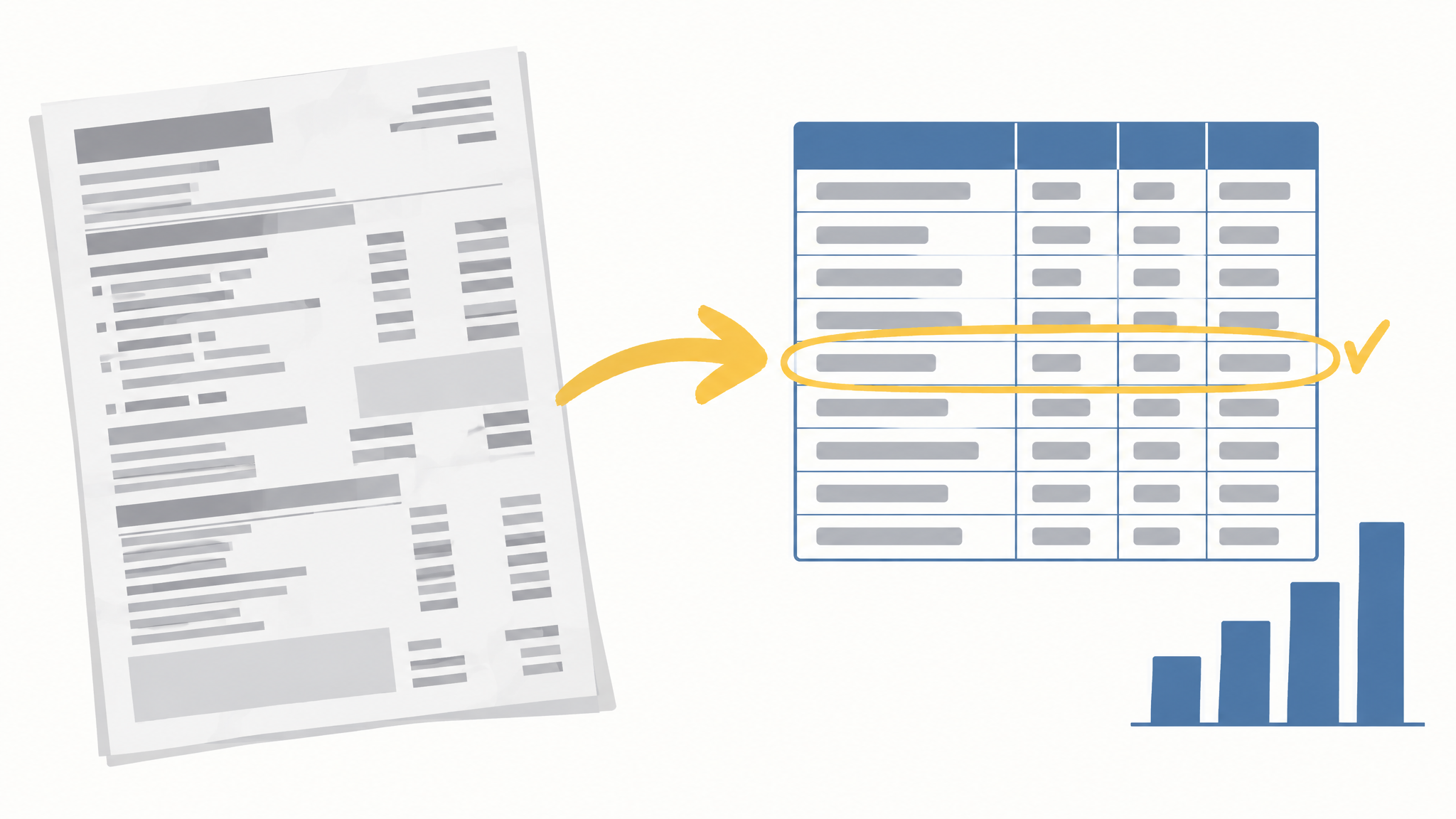
Last updated: 10 October 2026
Your DBS, OCBC, and UOB bank accounts export cleanly to CSV. Your credit card statement usually does not. It arrives as a PDF, and the rows inside it behave differently from a bank account: the monthly payment, the refunds, the foreign currency lines, and the annual fee all sit in the same column as your groceries. This guide gets those rows into Google Sheets and adds the formulas that stop them from wrecking your monthly totals. It assumes you already export your bank account transactions. If that step is new, start with the export walkthrough linked below.
Why the credit card is the awkward one
A bank account CSV gives you a date you can trust and one amount column. A card statement gives you a PDF where the transaction date and the posting date are separate, the amount column mixes SGD with foreign currency, and the payment you made last month shows up as a credit that looks like income.
Merge the card into your ledger without fixing those rows and two numbers break. Your spending for the month rises by the amount you paid off the card, and your income rises by the same amount. Your net worth still looks right, which is why the error survives for months before anyone notices.
Step 1: get the rows out of the PDF
There are three routes, and they are not equal.
Check for a CSV download first
DBS/POSB and UOB offer a transaction download for many cards through internet banking, usually in the same menu as the bank account export. OCBC varies by card type. If a CSV or Excel file is available, take it and skip the PDF entirely. The download flow for the bank accounts is covered in the post on exporting DBS, OCBC, and UOB transactions to Google Sheets, and the card download sits in the same place for most cards.
Use a local parser if the card is PDF only
Several open-source tools read DBS/POSB, OCBC, and UOB PDF statements and output a CSV. Two that come up often are exportSG and StatementSensei. They run on your own machine, so the statement never leaves your computer. That is the whole reason to prefer them.
Avoid the free online converter
A credit card statement carries your full card number, every merchant you visited, and the shape of your month. A free web converter has to pay for its servers somehow, and the usual answer is that your uploaded file is the product. The same logic applies to pasting the statement into an AI chatbot, which is one of the worst places to put financial data because uploaded content can be used to train future models. I wrote about that in the post on why I won't paste my bank statement into an AI chatbot.
Step 2: fix the five rows that break every import
The payment row
When you pay the card from your bank account, the card statement shows a credit and the bank statement shows a debit of the same amount. Merge both and you count the payment twice. Flag it with a cross-sheet match, so the same amount appearing on the bank side within a few days with the opposite sign gets marked as a transfer:
=IF(COUNTIFS(Bank!$C:$C,-C2,Bank!$A:$A,">="&A2-5,Bank!$A:$A,"<="&A2+5)>0,"TRANSFER","")
If you would rather not maintain that formula, this is the step CalmExpense handles for you.
Refunds and reversals
A refund is a negative amount that is not income. Leave the sign alone and keep the original category, so a returned purchase nets the category back to zero. Wrapping the amount column in ABS() is the mistake here, because it turns every refund into extra spending.
Foreign currency lines
Card rows often show the original amount and the billed SGD amount side by side. Budget with the SGD figure and keep the original in a note column so you can see the FX markup on your next trip. If a parser has left a currency symbol in the amount cell, strip it:
=IFERROR(VALUE(REGEXREPLACE(TO_TEXT(C2),"[^0-9.\-]","")),C2)
Missing year
PDF parsers frequently output "12 Sep" with no year. Rebuild the date from the statement period rather than assuming the current year, because a January statement covers December:
=IFERROR(DATEVALUE(A2&" "&$B$1),A2)
Posting date versus transaction date
Use the transaction date for budgeting. The posting date can land in the next month and shift a purchase out of the month you actually made it.
Step 3: standardize the columns
Once the rows are clean, pull the three columns you need into a fresh sheet with one formula:
=QUERY(RAW!A1:F,"select A, C, E where A is not null",1)
Step 4: categorize with a cleaning map
Generic categorizers fail on Singapore merchant strings. "NTUC FAIRPRICE" and "SIMPLYGO" mean nothing to a model trained mostly on US merchants, which is why a local map beats a smarter model here:
=IFS(
 REGEXMATCH(LOWER(B2),"ntuc|fairprice|cold storage|sheng siong|giant"),"Groceries",
 REGEXMATCH(LOWER(B2),"simplygo|mrt|bus|grab|comfortdelgro|taxi"),"Transport",
 REGEXMATCH(LOWER(B2),"kopitiam|hawker|food|restaurant|deliveroo|foodpanda"),"Food/Dining",
 REGEXMATCH(LOWER(B2),"fitness|gym|activesg"),"Gym Membership",
 REGEXMATCH(LOWER(B2),"youtube"),"YouTube Premium",
 REGEXMATCH(LOWER(B2),"shopee|lazada|uniqlo|zalora|courts"),"Shopping",
 TRUE,"Uncategorised")
Step 5: roll the card into the month
With the transfer flag in place, the monthly rollup excludes your own payments and counts only real spending:
=SUMIFS($C:$C,$D:$D,$H2,$A:$A,">="&DATE(2026,10,1),$A:$A,"<="&DATE(2026,10,31),$E:$E,"<>TRANSFER")
A cleaned card ledger for one month looks like this:
| Date | Merchant | Amount (S$) | Category | Flag |
|---|---|---|---|---|
| 2026-10-02 | NTUC FairPrice | 86.40 | Groceries | |
| 2026-10-03 | SimplyGo MRT | 2.10 | Transport | |
| 2026-10-05 | Kopitiam | 5.60 | Food/Dining | |
| 2026-10-06 | YouTube Premium | 22.98 | YouTube Premium | |
| 2026-10-08 | Anytime Fitness | 89.00 | Gym Membership | |
| 2026-10-09 | Shopee | 41.20 | Shopping | |
| 2026-10-10 | Card payment received | -320.00 | TRANSFER |
The last row is the one that used to inflate the month by S$320. Against a median Singapore expense of S$1,986 a month, a single unflagged payment row is a 16% error in your totals.
What this replaces
| Option | Cost | Where your data goes |
|---|---|---|
| Bank app (DBS NAV Planner) | Free | Stays inside the bank, which uses it to pitch insurance and loans |
| YNAB | ~S$147/year | US cloud servers, card linked through an aggregator |
| PDF converter SaaS | Free tier, then a subscription | Your statement is uploaded to their servers |
| CalmExpense | $29.90 one-time | Your own Google Drive, no upload |
Where CalmExpense fits
The transfer flag and the cleaning map are the two steps people get wrong, and they are the two steps CalmExpense ships as a preset. It reads the CSV you exported, applies the DBS, OCBC, UOB, PayNow, and NETS cleaning rules, and drops the result into a dashboard inside your own Google Sheet. Nothing is uploaded, because there is no server to upload it to.
The price is $29.90 one-time, normally $59.90, with a 14-day trial that does not ask for a card. That sits against roughly S$147 a year for YNAB, or S$27 a month for a ChatGPT Pro plan used as a statement reader.
Two limits worth knowing before you buy. There is no mobile app yet, so you work in the browser through Google Sheets. And you still import the file yourself, which takes a few minutes a month.
If you want to see the cleaned ledger before you commit, start the free trial and import one statement. The same cleaning rules feed the 15-minute monthly money review once the card is in the ledger.
FAQ
Can I import a PDF straight into Google Sheets?
No. Sheets reads CSV and Excel files. Convert the PDF to CSV first, either through your bank's own download or a local parser.
Is a free online PDF converter safe?
It depends on where the file goes. If the statement is uploaded to someone else's server, you have handed over your full card number and merchant history in exchange for a conversion you could have done locally.
Why does my credit card spending double when I merge accounts?
The payment row. Your card payment appears as a credit on the card statement and a debit on the bank statement, so a merge counts it twice unless you flag it as a transfer.
Do I need to link my bank account for any of this?
No. Every step here works from files you download yourself.
How long does the monthly update take?
Once the formulas are in place, importing one card statement and refreshing the dashboard takes about 15 minutes. The subscription audit that found $219 a month runs off the same cleaned ledger, which is why the card rows are worth getting right the first time.
See your own spending this clearly
CalmExpense turns your bank statement into a clean dashboard inside your own Google Sheets. No bank linking, no subscription. One payment of $29.90.
Start your free trial