
How to Clean Up PayNow and NETS Transactions in Google Sheets: 12 Patterns
Last updated: 19 October 2026
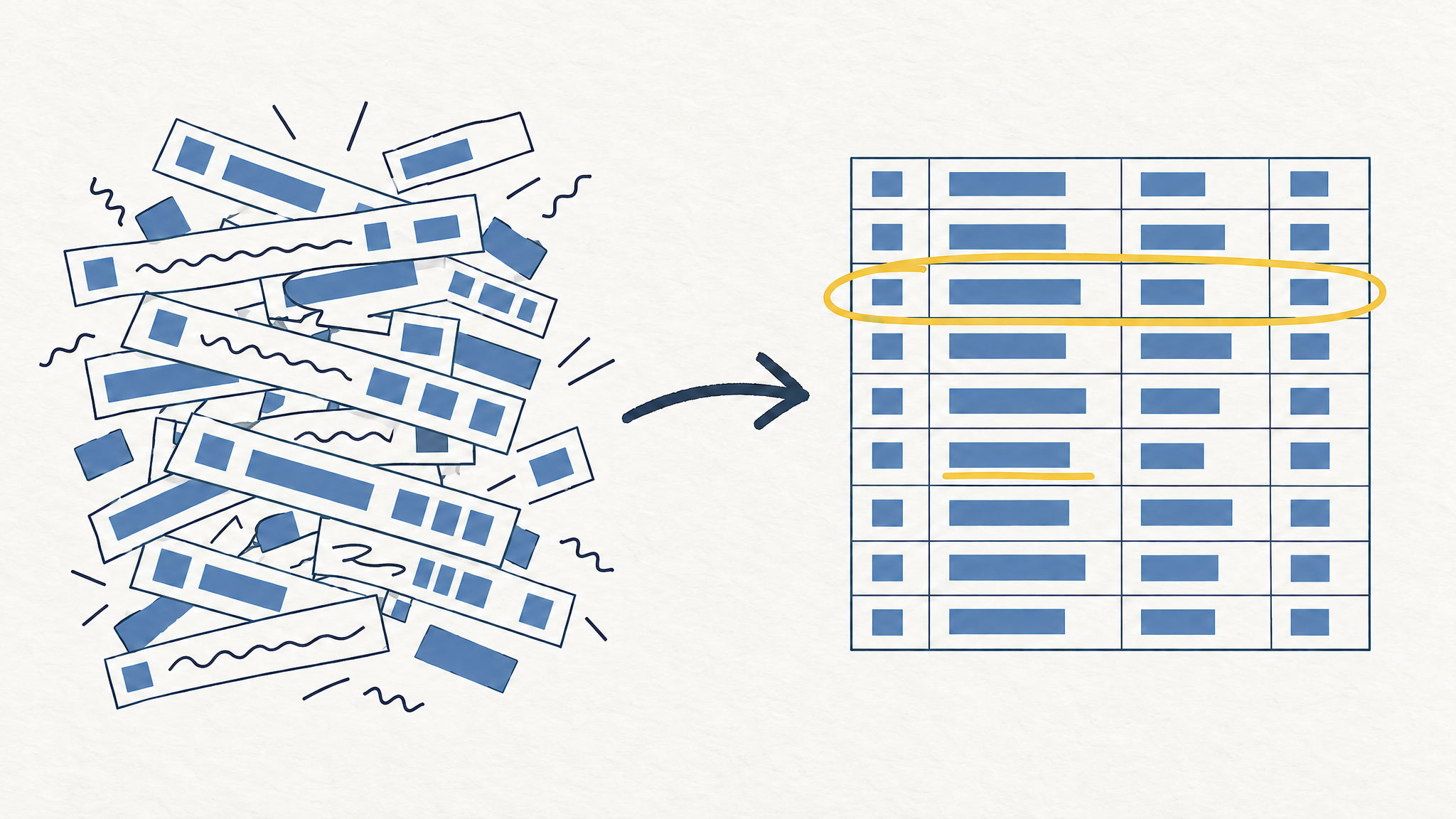
A PayNow row rarely tells you who you paid. It gives you a name fragment, a reference code and a date, so a month of DBS, OCBC or UOB transactions imported into Google Sheets ends up looking like PAYNOW-OUT TAN WEI MING REF 88213 and NETSQR 8821 KOPITIAM. Below are the 12 descriptor patterns behind those strings, plus the exact formulas that turn each one into a clean merchant name and a category you can total.
Scope: Singapore bank exports (DBS, OCBC, UOB), covering PayNow, NETS, FAST, GIRO and card rows. Exact strings differ a little between banks, so read the examples as shapes rather than literal matches.
If you would rather not build the formula chain yourself, CalmExpense runs this cleanup on your CSV inside your own Google Sheet. Free tier, no bank login.
What a PayNow row is actually telling you
Every descriptor is built from four parts, in this order: a payment rail, an identity, a reference, and sometimes a location or terminal code. The rail tells you how the money moved. The identity is the part you care about. The rest is noise that breaks your sorting, your lookups and your category totals.
Once you see the four parts, the cleaning job stops being guesswork. You strip the rail, keep the identity, and drop the codes.
The 12 patterns you will run into
| # | What shows up | What it is | What to strip |
|---|---|---|---|
| 1 | PAYNOW-OUT TAN WEI MING REF 88213 | Transfer to a person | Rail prefix, REF code |
| 2 | PAYNOW TRANSFER 91234567 | Transfer to a mobile number | Rail prefix, 8-digit number |
| 3 | PAYNOW UEN 202312345K | Payment to a business by UEN | Rail prefix, UEN |
| 4 | PAYNOW QR HAWKER STALL 03 | QR payment at a stall | Rail prefix, outlet code |
| 5 | NETSQR 8821 KOPITIAM | NETS QR at a terminal | NETSQR, terminal digits |
| 6 | NETS POS 004512 FAIRPRICE | Debit card at a terminal | NETS POS, terminal number |
| 7 | NTUC FP 1234 SG | Contactless card purchase | Store number, SG suffix |
| 8 | GRAB*TRIP 8821 SG | App or online card charge | Asterisk code, SG suffix |
| 9 | GIRO COLLECTION AIA 0021 | Recurring GIRO deduction | Rail prefix, billing code |
| 10 | FAST TRF TO 001-234567-8 | Transfer to an account number | Rail prefix, account number |
| 11 | ATM CASH WITHDRAWAL 0512 | Cash withdrawal | Location code |
| 12 | REFUND NTUC FP 1234 | Reversal of an earlier charge | Keep the merchant, flag as refund |
Rows 1 to 4 are where most of the mess comes from. PayNow carries the recipient's registered name, which is a person's name for a hawker stall paying by mobile, and a company name for a proper business. There is no merchant category in the file. You have to infer it.
Step 1: strip the rail and the codes
Put the raw descriptor in column A, starting at A2. In B2, this single formula handles patterns 1 to 8 and 10 to 12:
=PROPER(TRIM(REGEXREPLACE(REGEXREPLACE(REGEXREPLACE(REGEXREPLACE(A2,"(?i)^(PAYNOW(-OUT|-IN)?|NETSQR|NETS POS|NETS|FAST TRF TO|GIRO COLLECTION|ATM CASH WITHDRAWAL|POS|IBANKING)\s*",""),"\s+(REF|TRF|TRANSFER)[: ]?[A-Z0-9]{4,}$",""),"\s+\d{4}$",""),"\s+SG$","")))
Read it from the inside out. The first REGEXREPLACE removes the rail. The second removes a trailing reference code. The third removes a four-digit terminal or store number. The fourth removes the SG country suffix. TRIM collapses the leftover double spaces, and PROPER fixes the shouting.
Copy it down the column. Then check the rows where the result still looks wrong, because those are the ones worth a manual fix.
Step 2: a lookup table for repeat offenders
Ten merchants usually account for most of your rows. Build a small table on a second tab with the raw string in one column and the name you want in the next, then wrap the cleaner in a lookup:
=IFERROR(VLOOKUP(A2,Lookups!$A:$B,2,FALSE), <the cleaner formula>)
The lookup wins when it matches, the formula handles everything else. This is the same idea behind the formulas I use to categorize 1,200 transactions, applied one layer earlier.
Step 3: assign a category
With clean names in column B and amounts in column D, category in C2:
=IFS(
  REGEXMATCH(B2,"(?i)fairprice|ntuc|cold storage|sheng siong|giant|redmart"),"Groceries",
  REGEXMATCH(B2,"(?i)kopitiam|hawker|food court|caifan|restaurant|mcdonald|kfc|subway|toast box"),"Food/Dining",
  REGEXMATCH(B2,"(?i)grab|gojek|tada|comfortdelgro|smrt|simplygo|transitlink"),"Transport",
  REGEXMATCH(B2,"(?i)anytime fitness|fitness first|gym"),"Gym Membership",
  REGEXMATCH(B2,"(?i)youtube|google one|icloud|adobe|microsoft 365"),"YouTube Premium",
  REGEXMATCH(B2,"(?i)uniqlo|shopee|lazada|decathlon|ikea"),"Shopping",
  TRUE,"Uncategorized")
Order matters. "Grab" appears in ride receipts and in food delivery, so decide which one you want and put that rule first. Then total each category:
=SUMIF($C$2:$C$500,"Groceries",$D$2:$D$500)
If you have not exported the file yet, start with how to export DBS, OCBC and UOB transactions to Google Sheets. Card rows from PDF statements need a different import step.
Why this changes your numbers, not just your column widths
Small PayNow transfers are the easiest spending to lose track of, because each one is too small to notice and too messy to categorize. Thirty of them at S$18 each is S$540 in a month. Against the S$1,986 median monthly expense for a Singapore household, that is 27% of your spending sitting in a column you cannot total.
The failure is quiet. Your Groceries total looks fine, your Food/Dining total looks fine, and the gap hides in Uncategorized. You then set next month's budget from numbers that were never complete. Cleaning the descriptors first is the only way the SUMIF totals mean anything.
Where CalmExpense fits
The product is a dashboard that sits on top of your own Google Sheet. You import the CSV, it cleans the local merchant strings, and the charts read from the sheet in your Drive. Nothing goes to a server the developer controls, and there is no bank login to hand over.
Two limits worth knowing before you try it. There is no mobile app yet, so you use it in a browser through Google Sheets. Import is manual CSV, not a live bank feed. If you are weighing that trade against a subscription tool, four options compared covers the alternatives honestly.
Pricing is S$29.90 one-time for Pro, with a free tier that covers the cleaning and the basic dashboard. YNAB runs about S$147 a year, which is the comparison that matters if you plan to track for more than a few months.
FAQ
Why does my PayNow row show a person's name instead of the shop? Because PayNow identifies the recipient by their registered PayNow name, which for a small stall is often the owner's personal name. You cannot recover the shop name from the file. Add it to your lookup table once and it stays fixed.
Do I need clean names before categorizing?
Yes. The category formula matches on merchant text, so an uncleaned string like PAYNOW-OUT TAN WEI MING REF 88213 will never match "hawker" or "kopitiam". Clean first, then categorize.
What about PAYNOW-IN rows? They are incoming transfers, so they belong in an income column, not an expense column. The formula above strips the prefix the same way, which lets you separate them with a simple filter on the rail.
Will this work with OCBC and UOB exports? The rail names are the same across the three banks. The reference and terminal codes sit in slightly different places, so test the formula on 20 rows from each bank before you copy it down the whole column.
The cleanup takes about 20 minutes the first time and near zero after that, because the lookup table does the repeat work. That is the whole argument for keeping your ledger in a sheet you own: the rules stay where you can read them.
See your own spending this clearly
CalmExpense turns your bank statement into a clean dashboard inside your own Google Sheets. No bank linking, no subscription. One payment of $29.90.
Start your free trial